Sep 24, 2026FAQs
Dash Cam with Screen vs. Screenless Dash Cam: Which Is Best for Your Fleet?
When choosing between a dash cam with a built-in screen and a screenless dash cam, the optimal choice depends on your installation environment, driver behavior goals, and management requirements.
Dash Cam with Screen vs. Screenless Dash Cam: Which Is Best for Your Fleet?
Selecting the right dash cam configuration is a pivotal decision for fleet managers and commercial vehicle operators. When choosing between a dash cam with a built-in screen and a screenless dash cam, the optimal choice depends on your installation environment, driver behavior goals, and management requirements.
1. Dash Cam with Screen: Instant Feedback and Easy Setup
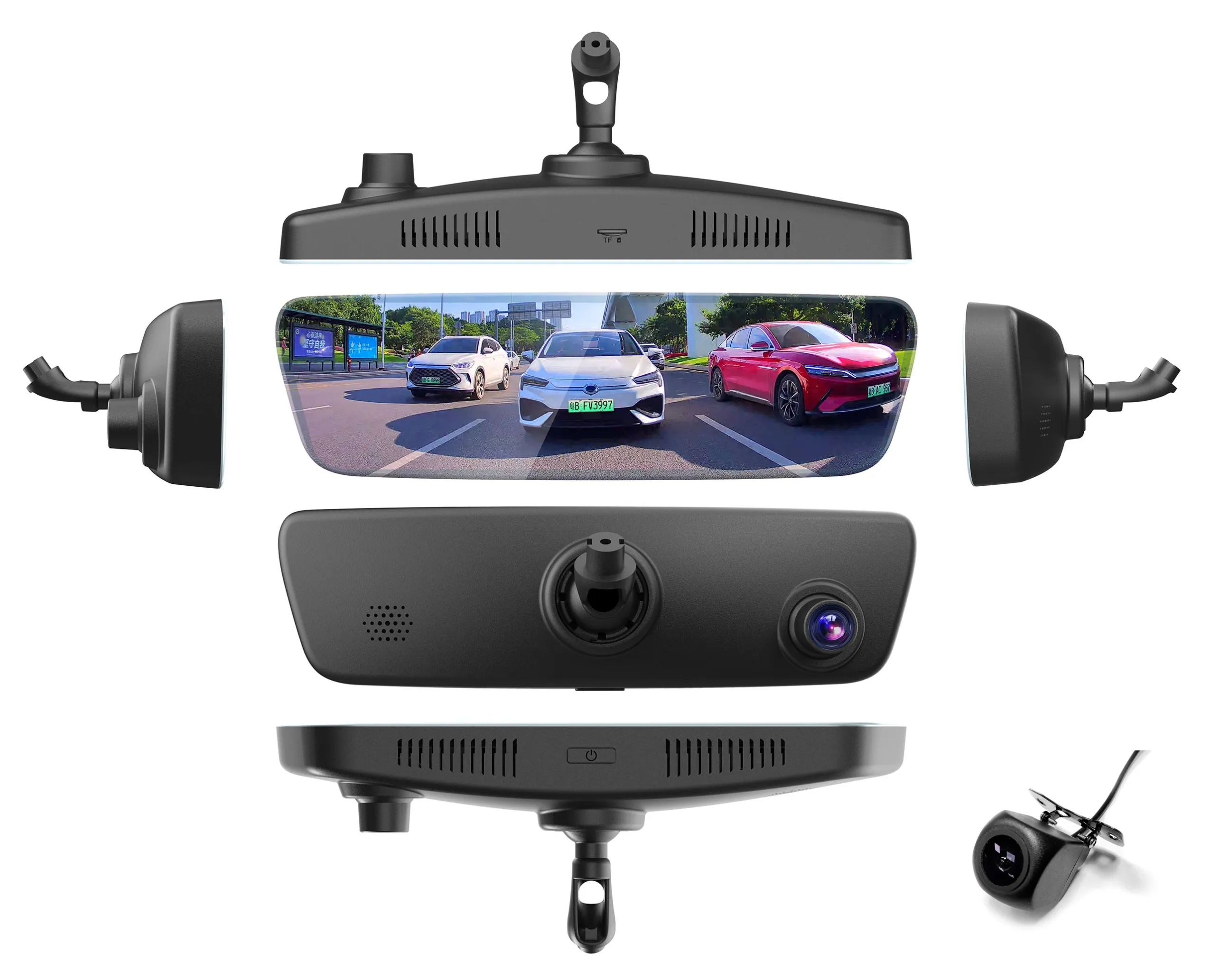
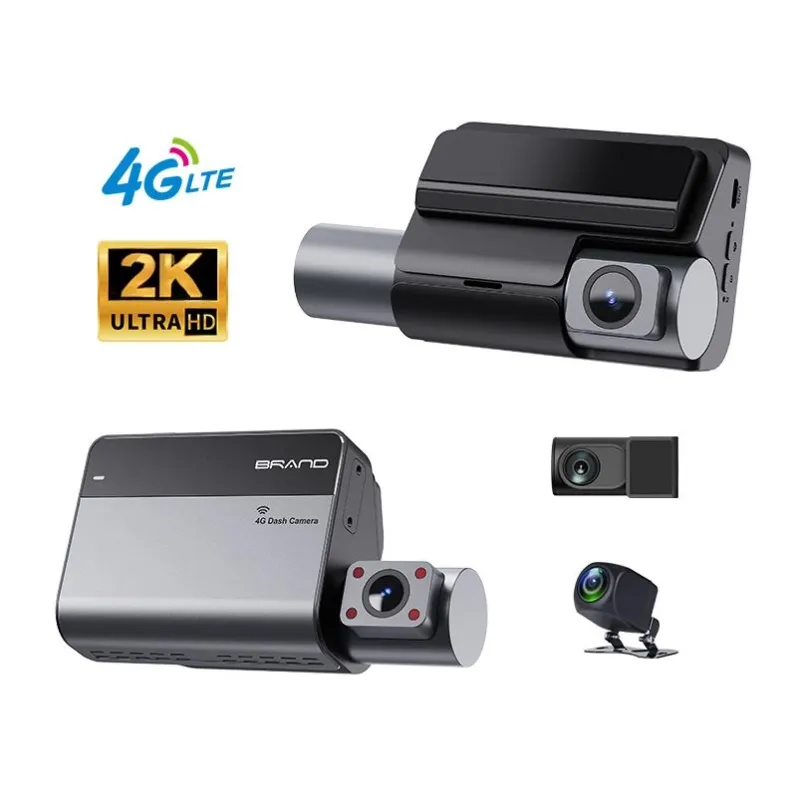
Dash cams equipped with an LCD or OLED display allow drivers and technicians to view real-time footage and adjust settings directly on the device.
- On-Site Framing & Alignment: Installers can instantly verify camera angles and lens positioning without connecting to an external app or monitor.
- Immediate Driver Alerting: Displays real-time visual prompts for ADAS/DMS events, speed warnings, and parking assist lines.
- Stand-Alone Operation: Playback and system configuration can be handled directly via the physical buttons or touchscreen.
Best For: Passenger vehicles, rideshare drivers, and fleets that require quick manual adjustments without reliance on mobile apps.
2. Screenless Dash Cam: Low-Profile and Tamper-Resistant
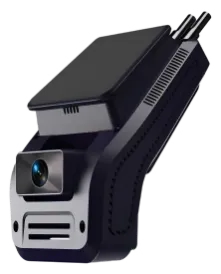
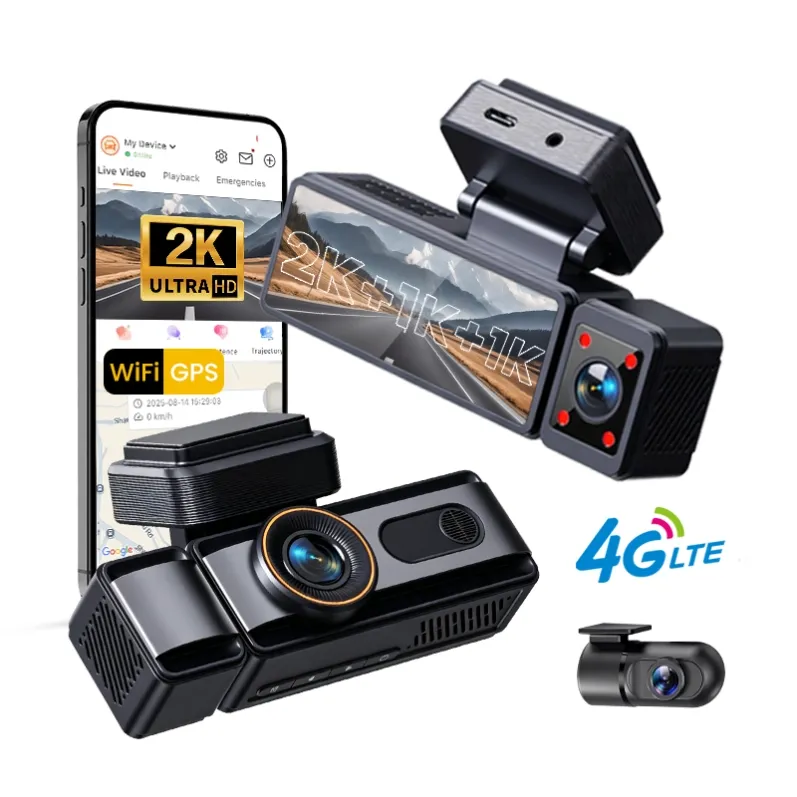
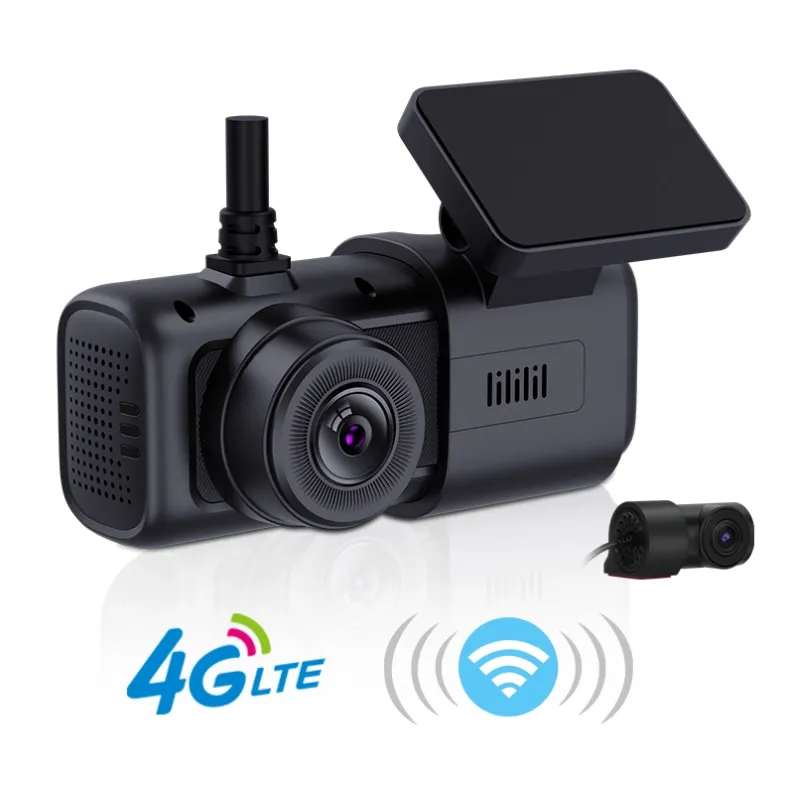
Screenless dash cams feature a compact, sleek form factor designed to blend seamlessly into the vehicle’s windshield area.
- Discreet & Stealthy: The minimal footprint keeps the device out of the driver’s direct line of sight, reducing windshield obstruction and theft risk.
- Zero Driver Distraction: Eliminates glowing screens inside the cabin during night driving, keeping the operator focused on the road.
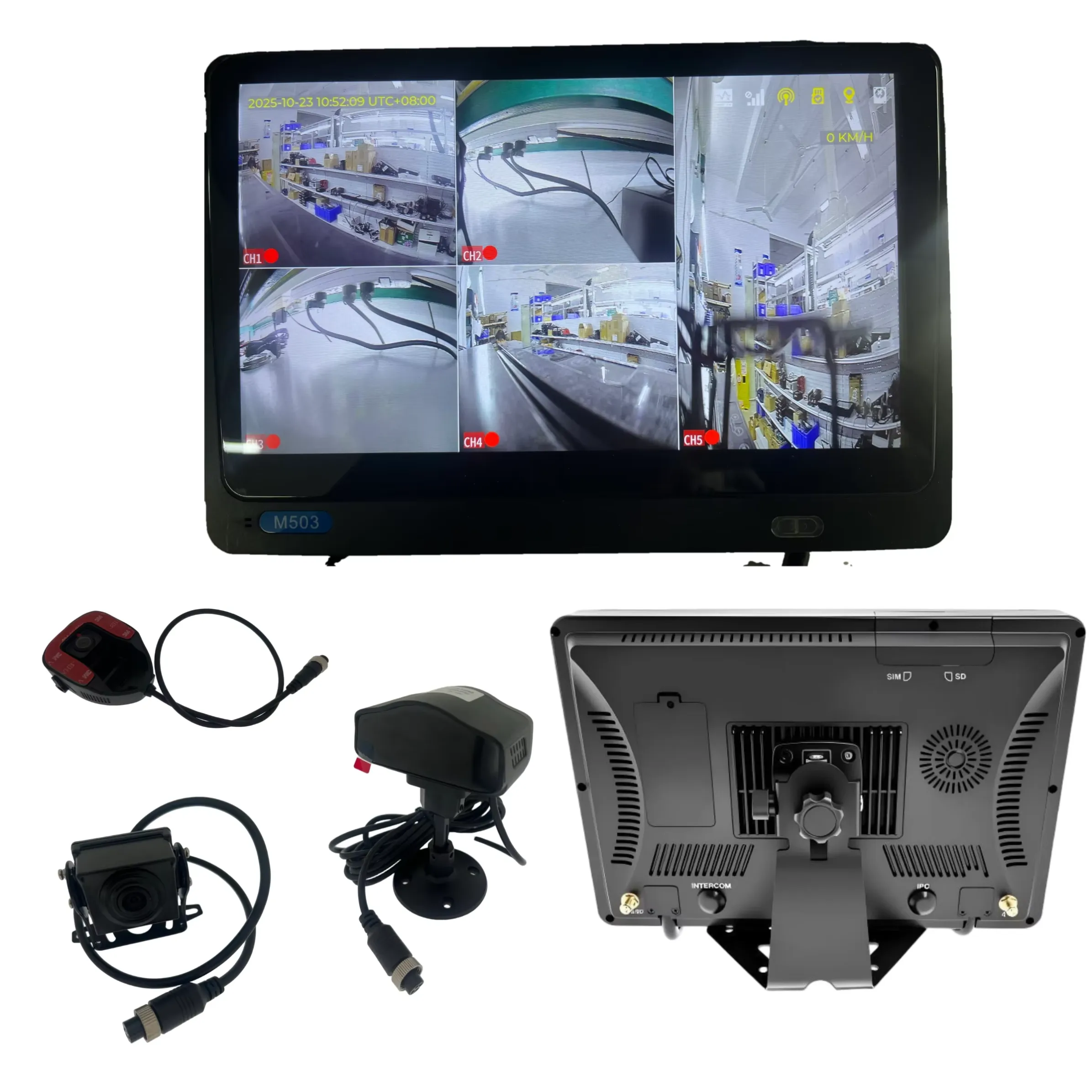
- Tamper-Resistant Design: Settings and SD cards are typically locked via hardware covers or managed entirely through remote telematics platforms (e.g., CMSV6).
Best For: Commercial logistics, heavy-duty trucks, and fleet deployment where centralized remote management and driver focus are top priorities.
Comparison Summary
Feature | Screen Dash Cam | Screenless Dash Cam |
Footprint / Visibility | Larger; visible display | Ultra-compact; stealthy |
Driver Distraction | Moderate (glow/visual prompts) | Zero visual distraction |
Initial Installation | Quick manual angle check | Requires app/monitor pairing |
Tamper Resistance | Standard | High (ideal for commercial fleets) |
The Verdict
If you need quick visual verification and standalone playback, a dash cam with a screen is practical and user-friendly. However, for commercial fleets and telematics integrations, screenless models offer a tamper-resistant, low-profile design that minimizes driver distraction while streaming high-definition video directly to your central management system.