Aug 14, 2026FAQs
How to Set Up a Dash Cam for the First Time
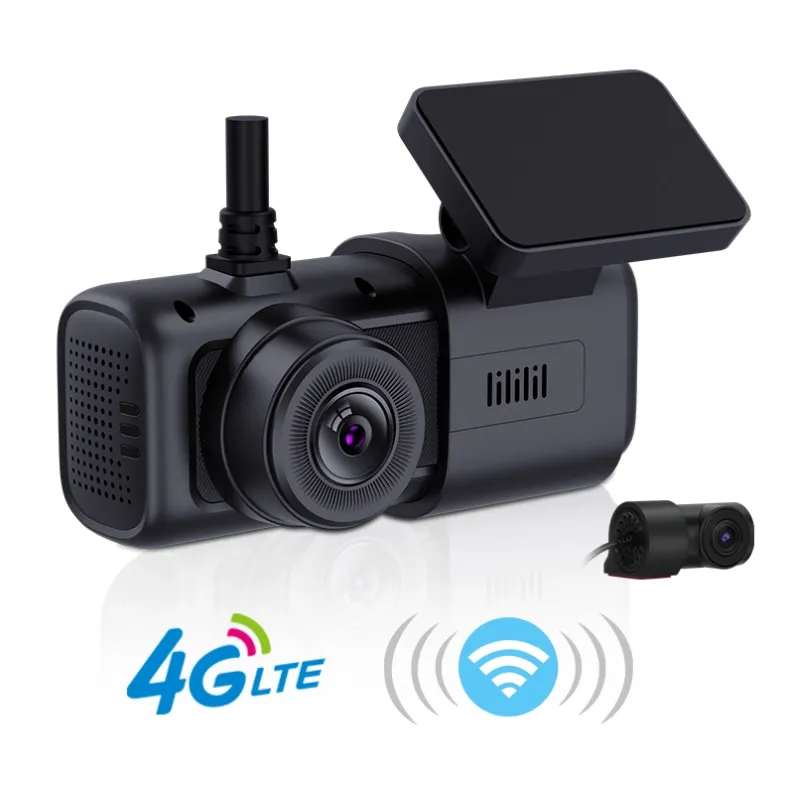
Installing a dash cam for the first time may seem complicated, but the process is actually quite simple.
How to Set Up a Dash Cam for the First Time
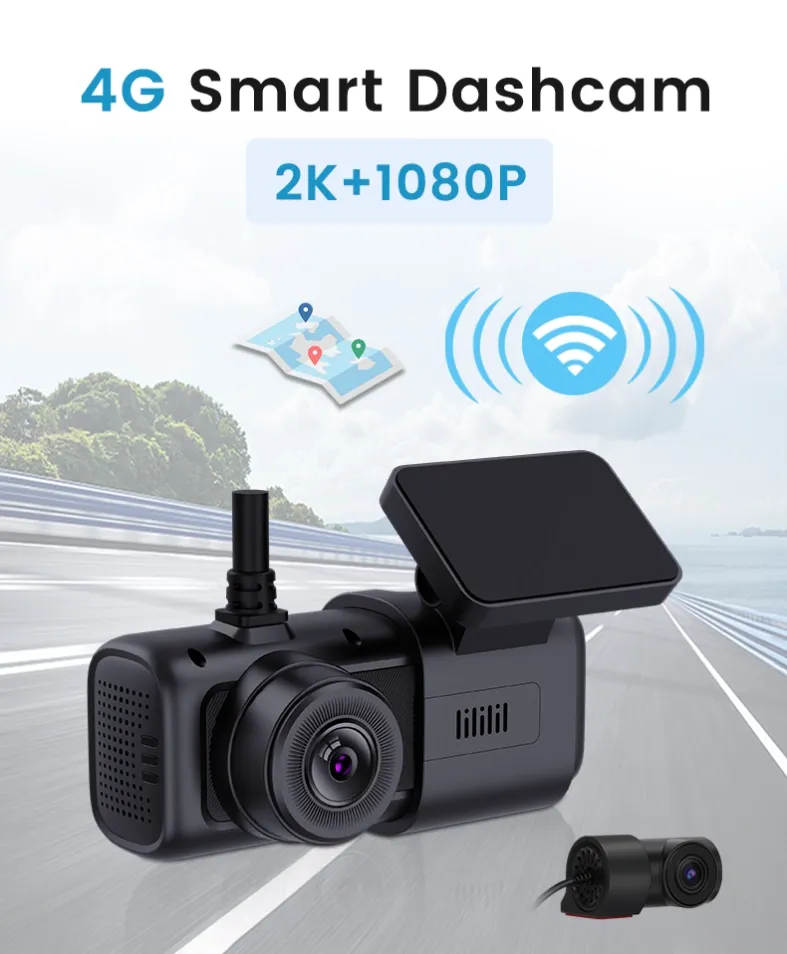
Installing a dash cam for the first time may seem complicated, but the process is actually quite simple. With the right setup, you can start recording your journeys and protect yourself with reliable video evidence.
1. Choose the Right Location
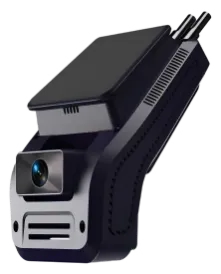
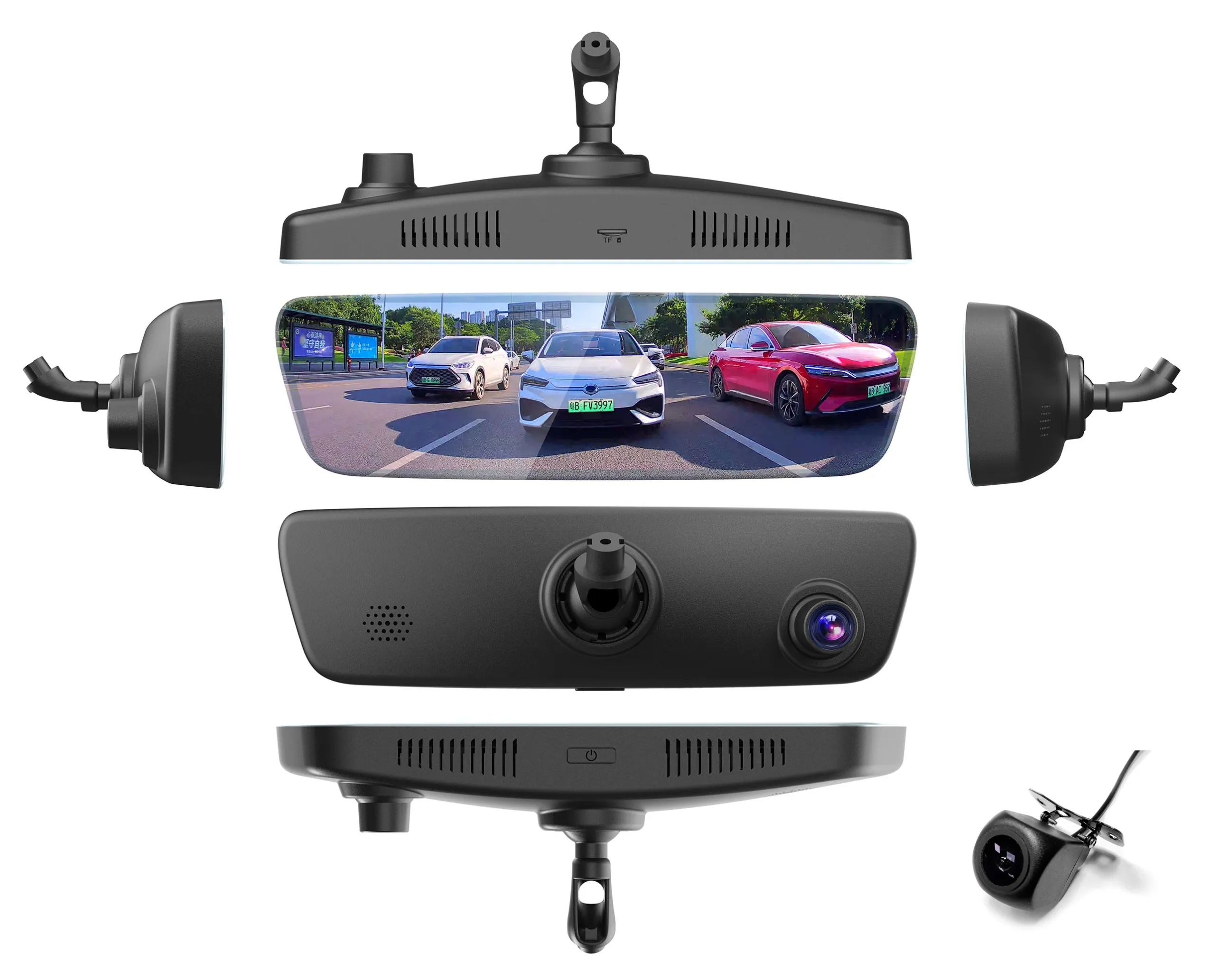
Mount the dash cam behind the rearview mirror or near the center of the windshield. Make sure it does not block your view of the road or interfere with other vehicle controls. Clean the windshield before attaching the mount to ensure a secure installation.
2. Insert a Suitable Memory Card
Use a high-quality microSD card that meets the dash cam manufacturer's requirements. A Class 10 or U3 card is commonly recommended. Format the card in the dash cam before recording to reduce the risk of storage errors.
3. Connect the Power Supply
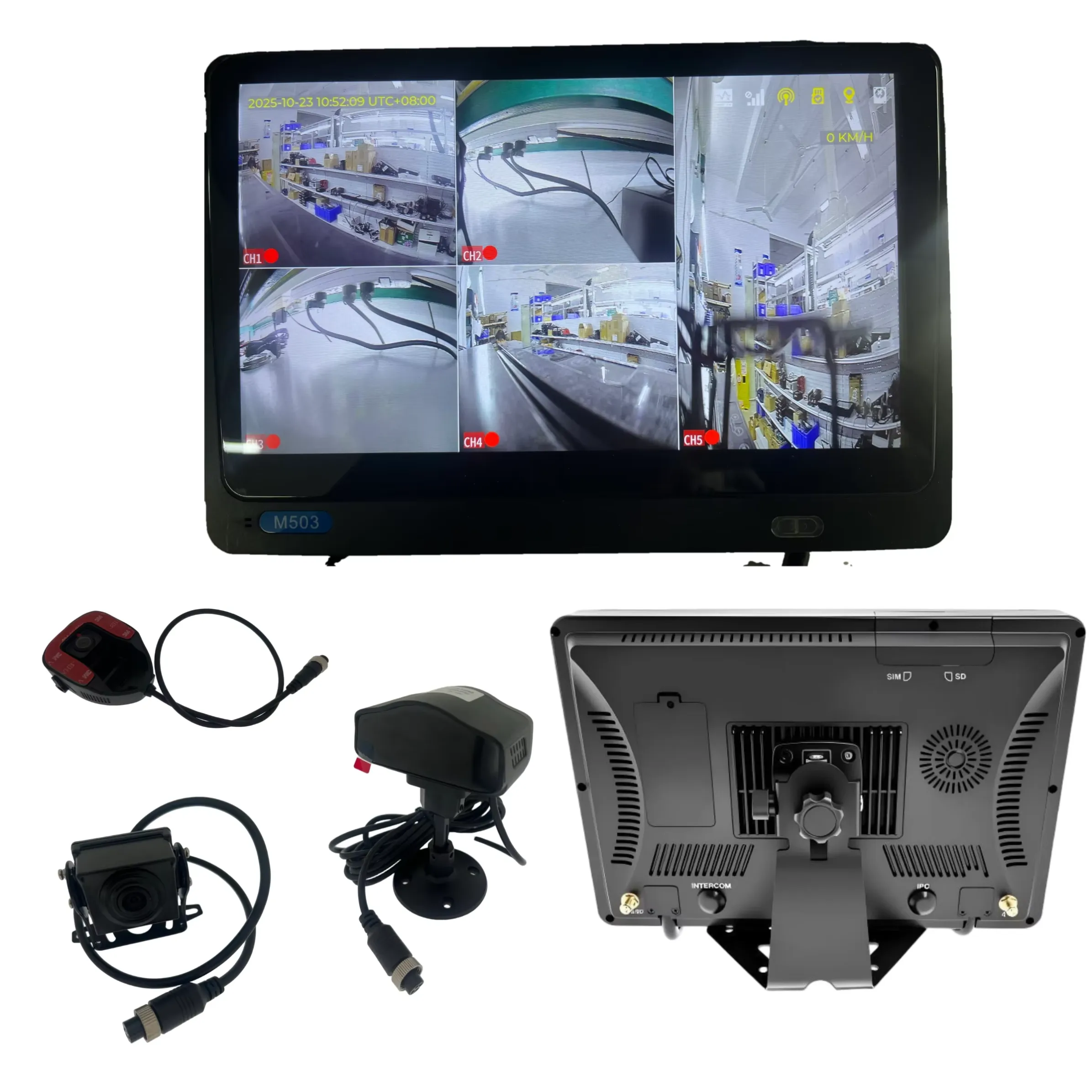
Connect the power cable to the dash cam and the vehicle's power outlet. If you want features such as parking monitoring, a hardwire kit may be required. Carefully route the cable along the windshield and trim for a clean installation.
4. Adjust the Camera and Settings
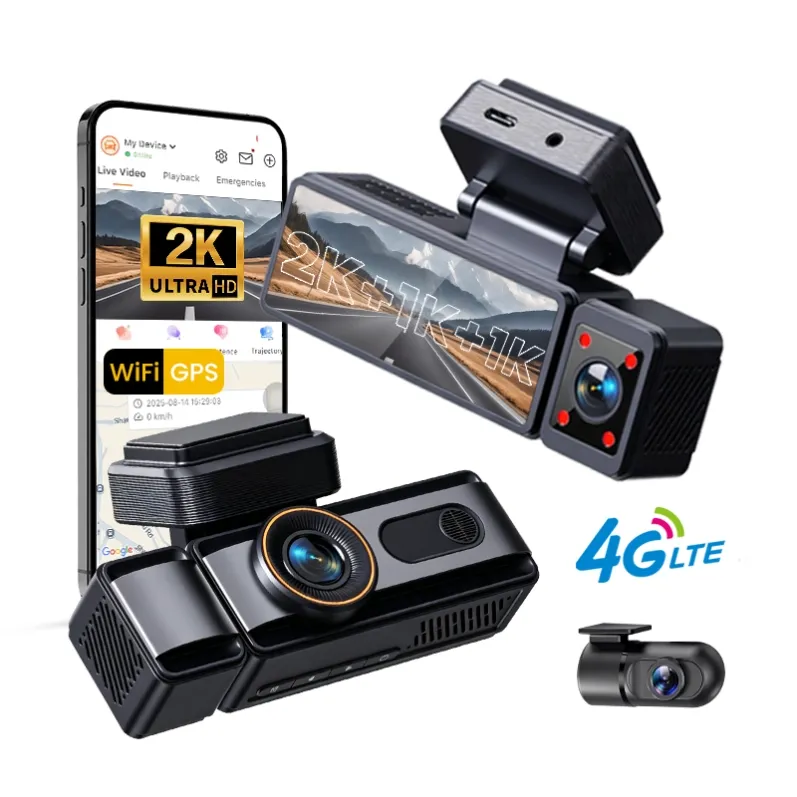
Turn on the dash cam and adjust the camera angle so that the road occupies most of the image. Set the correct date and time, video resolution, loop recording, and other available options. If the device supports GPS or Wi-Fi, enable these features when needed.
5. Test Before Driving
Record a short video and check the image quality, audio, GPS information, and memory card status. Make sure the camera starts recording automatically when the vehicle is powered on.
Once everything is working properly, your dash cam is ready for everyday driving. Taking a few minutes to set it up correctly can make a big difference when you need clear and reliable footage.