Jul 9, 2026News
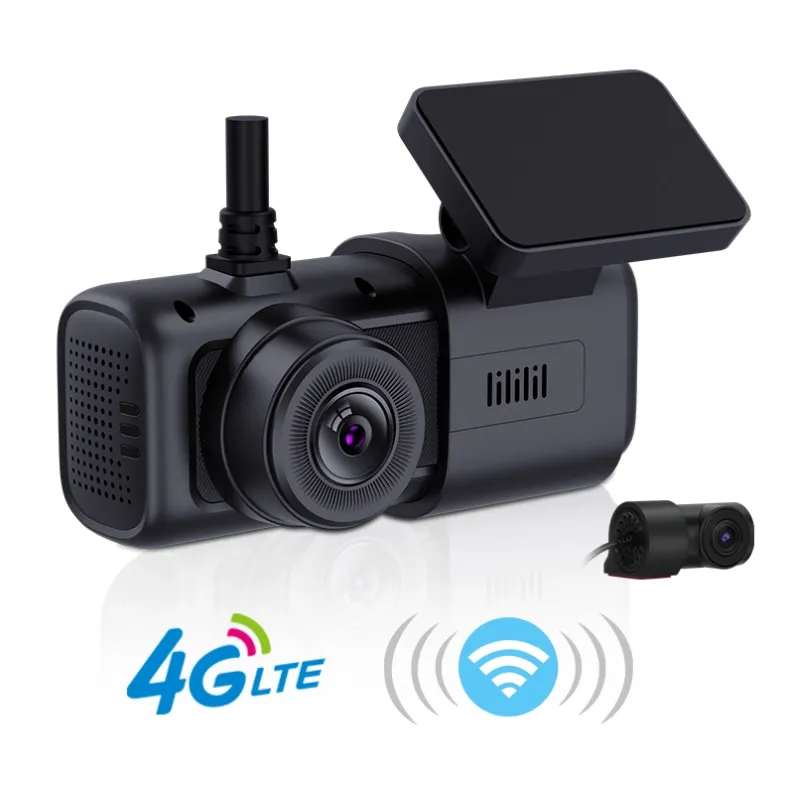
Why Do Dash Cams Sometimes "Burn Out" TF Cards?
One common reason is incompatible or low-quality memory cards. It's generally recommended to use TF cards (microSD cards) that are officially recommended or bundled with the dash cam.
Why Do Dash Cams Sometimes "Burn Out" TF Cards?
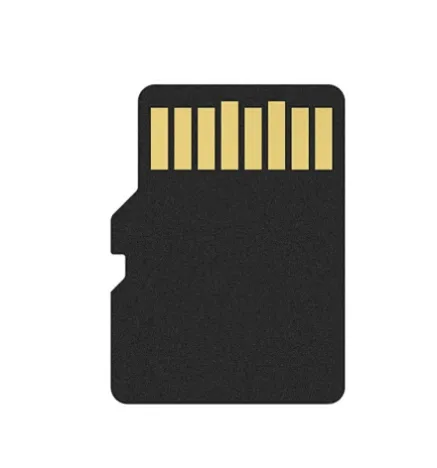
One common reason is incompatible or low-quality memory cards. It's generally recommended to use TF cards (microSD cards) that are officially recommended or bundled with the dash cam. These official cards have usually undergone strict testing for high temperatures and continuous read/write cycles, making them more reliable. You can choose the capacity based on your needs—nowadays, most users start with at least 32GB.
Here are some possible reasons why a dash cam may damage a TF card:
Low-quality TF card:
Inferior cards may not withstand continuous high-speed read/write operations, leading to errors or failure.
Incompatibility:
Dash cams support specific TF card types and capacity ranges. Using an incompatible card can cause malfunctions or data loss.
Frequent power cycling:
Constantly turning the device on and off or frequently inserting/removing the card may damage the card’s contacts and result in data corruption.
Incorrect formatting:
Formatting the card incorrectly or using an incompatible file system can also lead to errors or card failure.
High-temperature environments:
Dash cams often operate in hot conditions, and TF cards are sensitive to heat. Prolonged exposure to high temperatures beyond the card’s rated tolerance may cause damage.
How to Prevent TF Card Failure:
·Use high-quality TF cards from reputable brands with good reviews.
·Choose cards that are compatible in terms of speed class and capacity.
·Follow the dash cam manufacturer’s usage and formatting guidelines.
·Avoid frequent insertion/removal and power cycling.
·Do not expose the card to extreme heat for extended periods.
Refer to the table below for more details on read/write speed ratings of memory cards. If you're buying a card separately, make sure it meets the compatibility requirements of your dash cam—otherwise, it may not function properly.