Oct 16, 2026FAQs
Why Does My Dash Cam Battery Keep Dying?
A dash cam is great for peace of mind, but it’s a total pain if it keeps killing your car battery.
Why Does My Dash Cam Keep Draining the Battery?
A dash cam is great for peace of mind, but it’s a total pain if it keeps killing your car battery. Not only does it leave you stranded with a car that won't start, but it also stops your camera from doing its job.
Here are the most common reasons why this happens and how to fix it.
1. Parking Mode is Eating Up Power
Parking mode is awesome for catching hit-and-runs or vandalism while you’re away. But if your car sits in a garage or driveway for a few days without being driven, that continuous draw will eventually drain the battery.
- The Fix: Install a hardwire kit with built-in low-voltage protection. It monitors your battery level and cuts off power to the camera as soon as the voltage drops below a safe threshold.
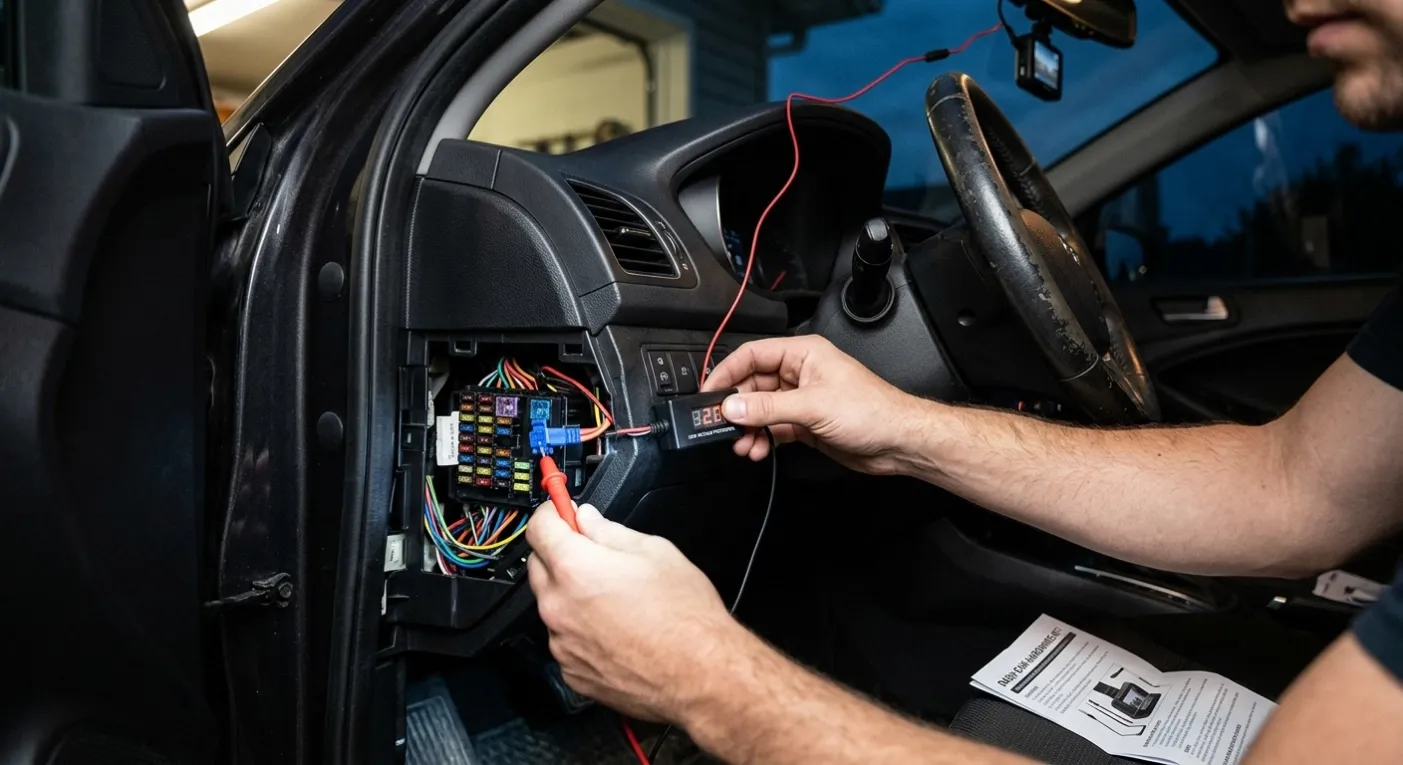
2. It’s Wired Incorrectly (ACC vs. Constant Power)
If your dash cam is hooked up to a fuse or plug that stays hot 24/7, the camera will think the engine is still running and stay powered on indefinitely after you turn off the ignition.
- The Fix: Double-check your wiring. Make sure the ignition-switched line (ACC) and the constant-power line are connected to the right fuses. If you're not sure, having a shop check the installation takes just a few minutes.
3. Your Car Battery is Simply Getting Old
Sometimes the dash cam isn't actually at fault. If your car battery is aging or weak to begin with, even a tiny trickle of power draw—combined with cold weather—can be enough to push it over the edge.
- The Fix: Get your car battery tested at a local auto shop if your car struggles to start. You might also want to shorten the parking mode recording timer in your settings.
4. Running Too Many High-Power Features
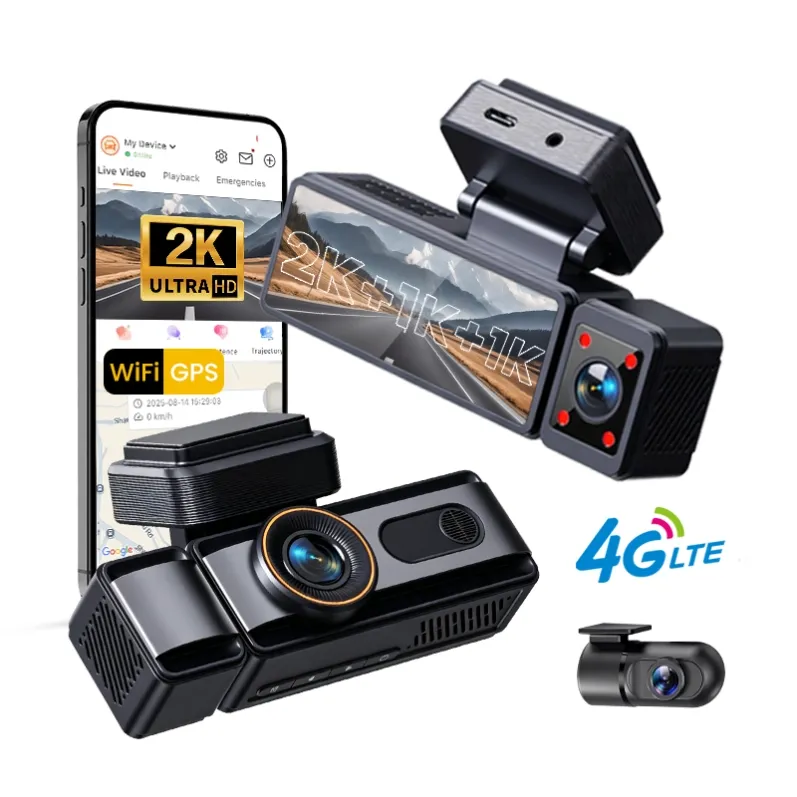
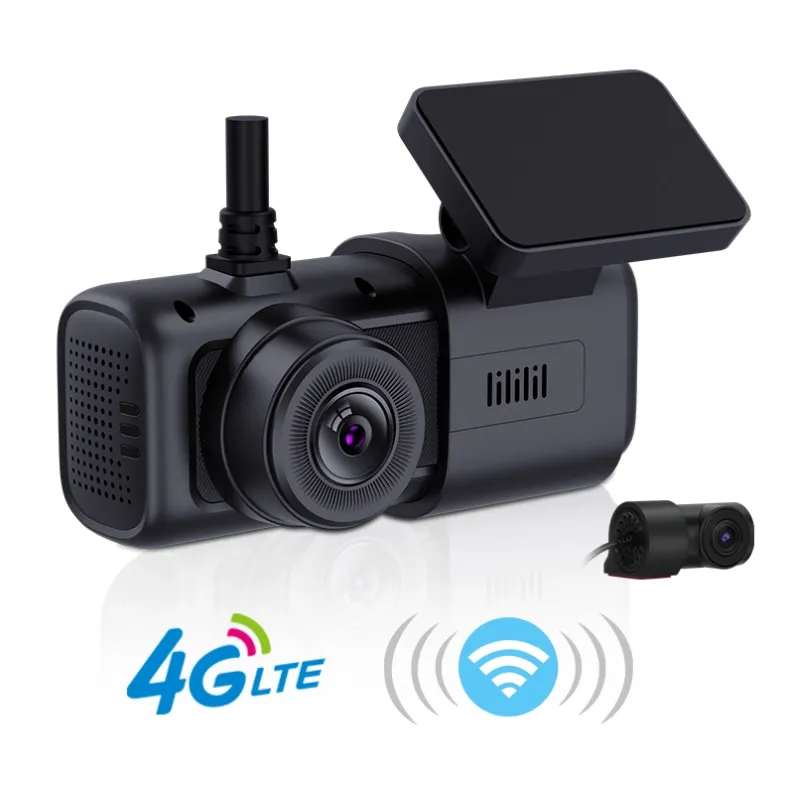
Modern dash cams are packed with tech: dual or triple lenses, 4G LTE connectivity, continuous cloud uploading, and live viewing. The more functions active while the engine is off, the faster your battery will die.
- The Fix: Tone down the settings. Turn off constant cloud syncing or switch parking mode from continuous recording to impact-detection (motion/collision wake-up) so it only turns on when needed.
Quick Takeaway
If your dash cam is draining your battery, it almost always comes down to wiring, aggressive parking mode settings, or an old car battery.
Adjusting your camera settings, getting a low-voltage hardwire kit, or adding a dedicated dash cam battery pack will usually solve the problem for good.