FAQs
Why Does My Dash Cam Keep Restarting?
A dash cam that randomly reboots is useless when you actually need it. If your device keeps shutting down and turning back on while driving, the issue usually boils down to power, storage, or heat.
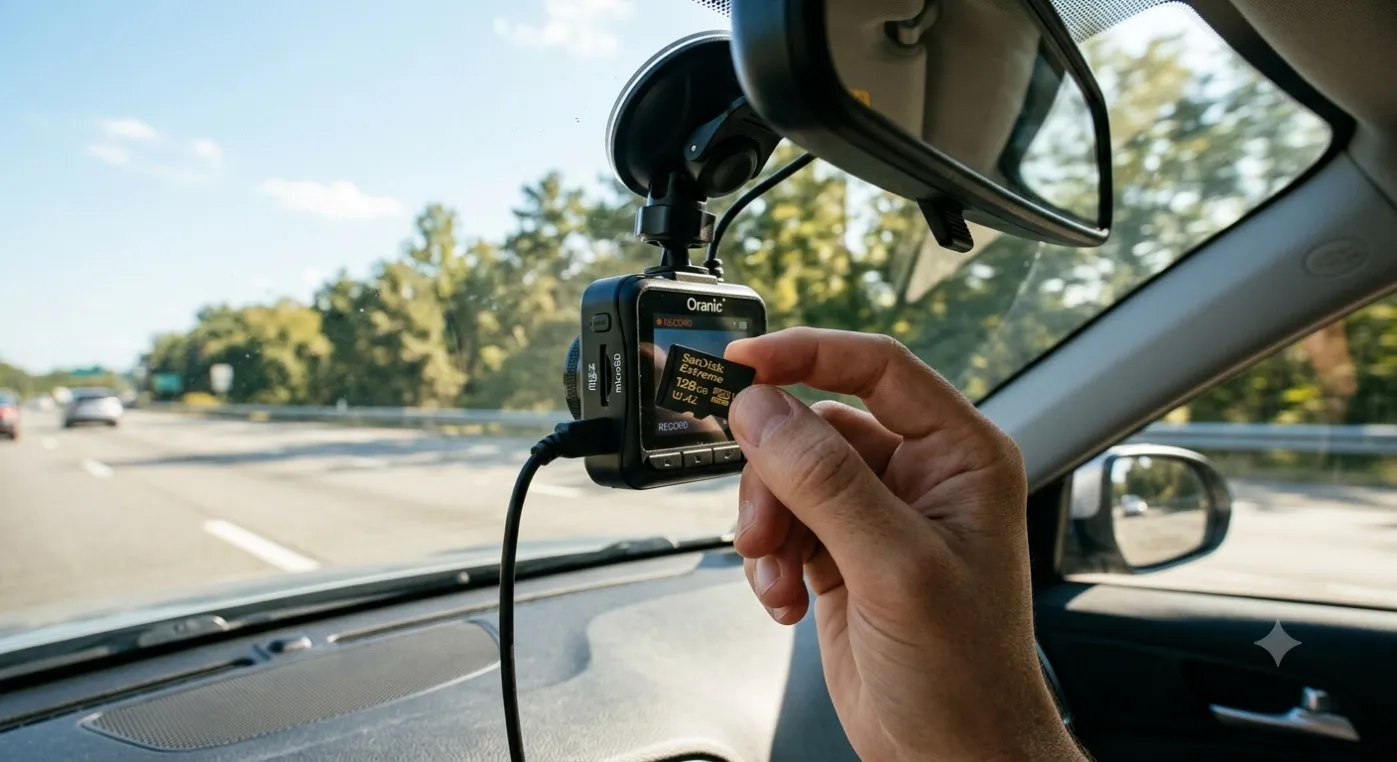
Why Does My Dash Cam Keep Restarting? (And How to Fix It)
A dash cam that randomly reboots is useless when you actually need it. If your device keeps shutting down and turning back on while driving, the issue usually boils down to power, storage, or heat.
Here are the five most common causes and how to fix them:
1. The MicroSD Card Is Failing or Underpowered
Dash cams write heavy video data continuously. Standard SD cards—or cards with low write speeds—can't handle the strain, causing the camera's system to crash and reboot.
- Fix: Use a high-endurance, U3-rated microSD card designed specifically for dash cams (such as SanDisk High Endurance or Samsung PRO Endurance).
- Tip: Format the card directly inside the dash cam menu once a month to clear corrupted files.
2. Loose Cable or Unstable Power Supply
A loose cigarette lighter adapter, a fraying cable, or an unstable hardwire connection causes sudden voltage drops. When the power fluctuates even for a millisecond, the camera reboots.
- Fix: Inspect the entire cable for pinch points. Push all connections in firmly.
- Tip: Avoid using multi-port USB hub adapters; plug the original power supply directly into the vehicle’s 12V socket.
3. Corrupted Firmware
System bugs can cause the memory to overload, forcing the device into a crash loop.
- Fix: Download the latest firmware update from the manufacturer’s official support page, save it to your memory card, and let the camera update itself.
4. Overheating
Direct sunlight on a dark windshield creates extreme heat inside the camera. Most modern dash cams have thermal protection that forces a reboot or shutdown to prevent permanent damage.
- Fix: Park in shaded areas or use a windshield sunshade. If you live in a hot climate, consider switching to a supercapacitor-based dash cam instead of one powered by a standard lithium-battery.
5. Internal Hardware Failure
If you’ve checked the card, cable, firmware, and temperature, the internal power component or motherboard is likely failing.
- Fix: Reach out to the manufacturer’s support team for a warranty repair or replacement.
Looking for Reliable Fleet or Personal Dash Cams?
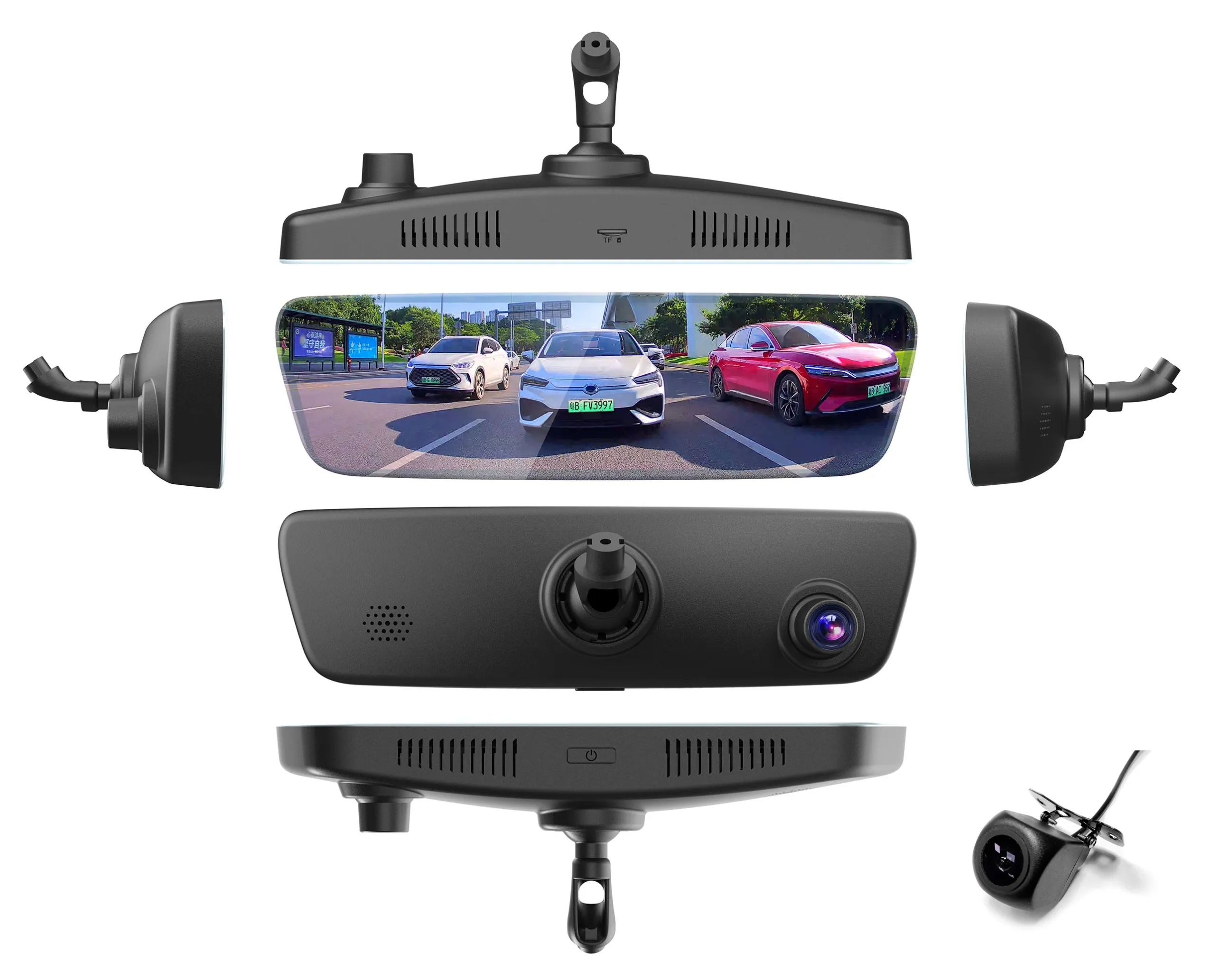
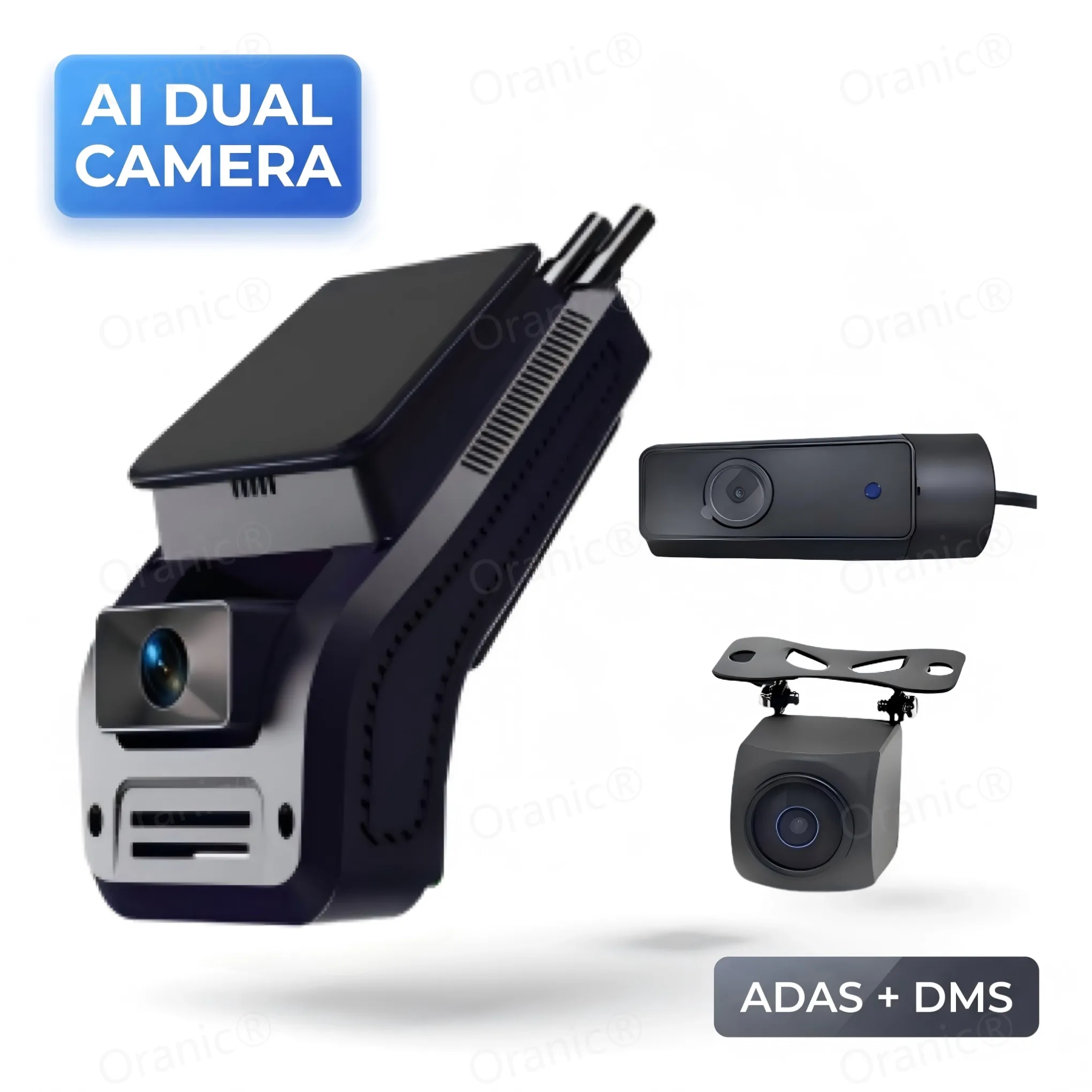
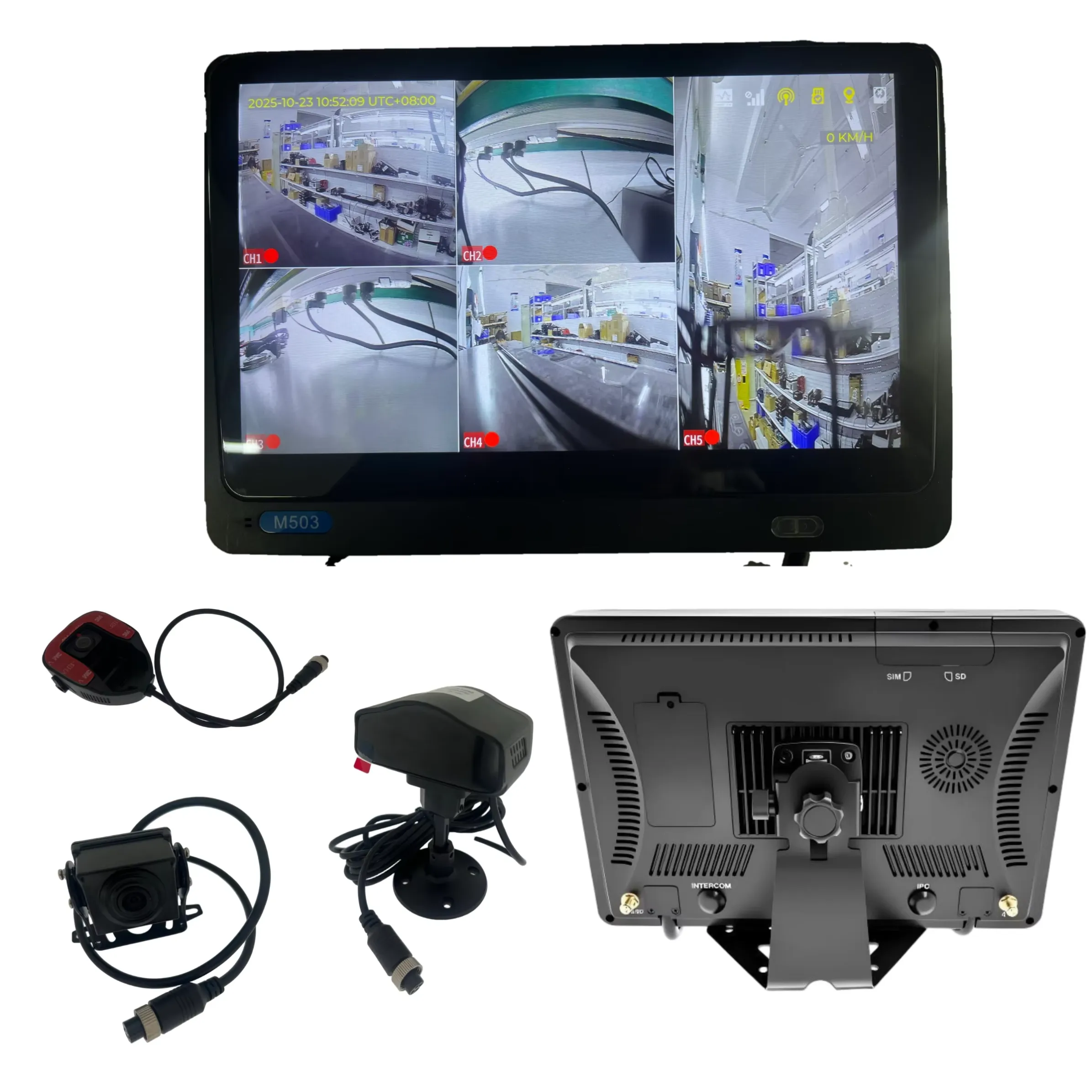
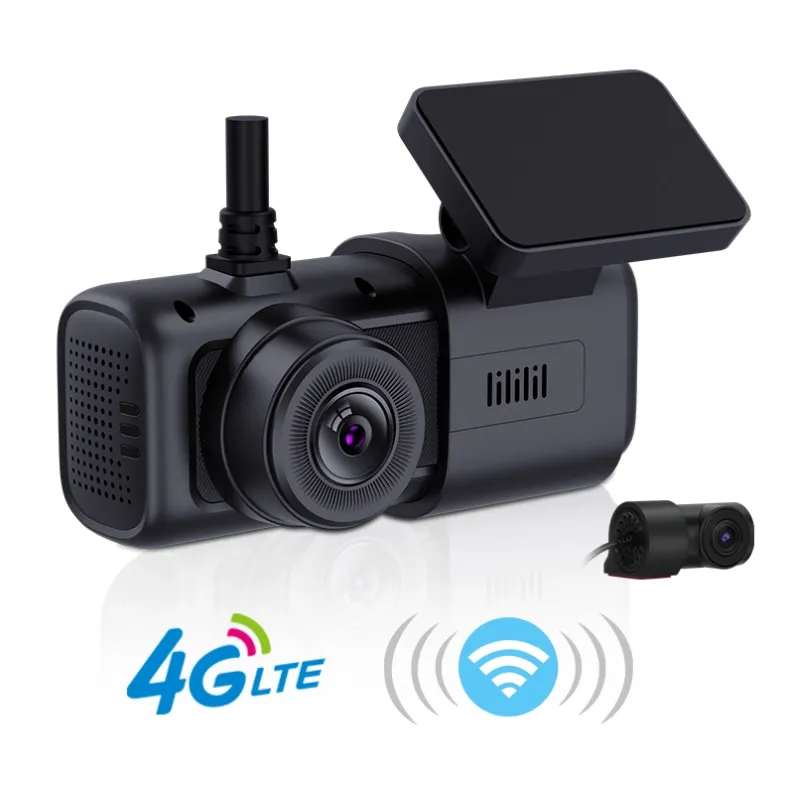
At Oranic®, we engineer dash cams built to withstand heat, power fluctuations, and heavy 24/7 continuous recording. Whether you need a dependable personal camera or a custom OEM/ODM fleet management setup, our hardware is stress-tested for real-world driving conditions.
Need a custom or bulk hardware solution? Contact the Oranic team today to discuss our product line and OEM/ODM capabilities.
Why Does My Dash Cam Keep Restarting? (And How to Fix It)
A dash cam that randomly reboots is useless when you actually need it. If your device keeps shutting down and turning back on while driving, the issue usually boils down to power, storage, or heat.
Here are the five most common causes and how to fix them:
1. The MicroSD Card Is Failing or Underpowered
Dash cams write heavy video data continuously. Standard SD cards—or cards with low write speeds—can't handle the strain, causing the camera's system to crash and reboot.
- Fix: Use a high-endurance, U3-rated microSD card designed specifically for dash cams (such as SanDisk High Endurance or Samsung PRO Endurance).
- Tip: Format the card directly inside the dash cam menu once a month to clear corrupted files.
2. Loose Cable or Unstable Power Supply
A loose cigarette lighter adapter, a fraying cable, or an unstable hardwire connection causes sudden voltage drops. When the power fluctuates even for a millisecond, the camera reboots.
- Fix: Inspect the entire cable for pinch points. Push all connections in firmly.
- Tip: Avoid using multi-port USB hub adapters; plug the original power supply directly into the vehicle’s 12V socket.
3. Corrupted Firmware
System bugs can cause the memory to overload, forcing the device into a crash loop.
- Fix: Download the latest firmware update from the manufacturer’s official support page, save it to your memory card, and let the camera update itself.
4. Overheating
Direct sunlight on a dark windshield creates extreme heat inside the camera. Most modern dash cams have thermal protection that forces a reboot or shutdown to prevent permanent damage.
- Fix: Park in shaded areas or use a windshield sunshade. If you live in a hot climate, consider switching to a supercapacitor-based dash cam instead of one powered by a standard lithium-battery.
5. Internal Hardware Failure
If you’ve checked the card, cable, firmware, and temperature, the internal power component or motherboard is likely failing.
- Fix: Reach out to the manufacturer’s support team for a warranty repair or replacement.
Looking for Reliable Fleet or Personal Dash Cams?
At Oranic, we engineer dash cams built to withstand heat, power fluctuations, and heavy 24/7 continuous recording. Whether you need a dependable personal camera or a custom OEM/ODM fleet management setup, our hardware is stress-tested for real-world driving conditions.
Need a custom or bulk hardware solution? Contact the Oranic team today to discuss our product line and OEM/ODM capabilities.
Why Does My Dash Cam Keep Restarting? (And How to Fix It)
A dash cam that randomly reboots is useless when you actually need it. If your device keeps shutting down and turning back on while driving, the issue usually boils down to power, storage, or heat.
Here are the five most common causes and how to fix them:
1. The MicroSD Card Is Failing or Underpowered
Dash cams write heavy video data continuously. Standard SD cards—or cards with low write speeds—can't handle the strain, causing the camera's system to crash and reboot.
- Fix: Use a high-endurance, U3-rated microSD card designed specifically for dash cams (such as SanDisk High Endurance or Samsung PRO Endurance).
- Tip: Format the card directly inside the dash cam menu once a month to clear corrupted files.
2. Loose Cable or Unstable Power Supply
A loose cigarette lighter adapter, a fraying cable, or an unstable hardwire connection causes sudden voltage drops. When the power fluctuates even for a millisecond, the camera reboots.
- Fix: Inspect the entire cable for pinch points. Push all connections in firmly.
- Tip: Avoid using multi-port USB hub adapters; plug the original power supply directly into the vehicle’s 12V socket.
3. Corrupted Firmware
System bugs can cause the memory to overload, forcing the device into a crash loop.
- Fix: Download the latest firmware update from the manufacturer’s official support page, save it to your memory card, and let the camera update itself.
4. Overheating
Direct sunlight on a dark windshield creates extreme heat inside the camera. Most modern dash cams have thermal protection that forces a reboot or shutdown to prevent permanent damage.
- Fix: Park in shaded areas or use a windshield sunshade. If you live in a hot climate, consider switching to a supercapacitor-based dash cam instead of one powered by a standard lithium-battery.
5. Internal Hardware Failure
If you’ve checked the card, cable, firmware, and temperature, the internal power component or motherboard is likely failing.
- Fix: Reach out to the manufacturer’s support team for a warranty repair or replacement.
Looking for Reliable Fleet or Personal Dash Cams?
At Oranic, we engineer dash cams built to withstand heat, power fluctuations, and heavy 24/7 continuous recording. Whether you need a dependable personal camera or a custom OEM/ODM fleet management setup, our hardware is stress-tested for real-world driving conditions.
Need a custom or bulk hardware solution? Contact the Oranic team today to discuss our product line and OEM/ODM capabilities.