FAQs
Why Does My Dash Cam Turn Off While Driving?
This issue can result in missing video footage and unreliable recording. But why does it happen, and how can you fix it? Here are five common reasons why a dash cam may turn off while driving.
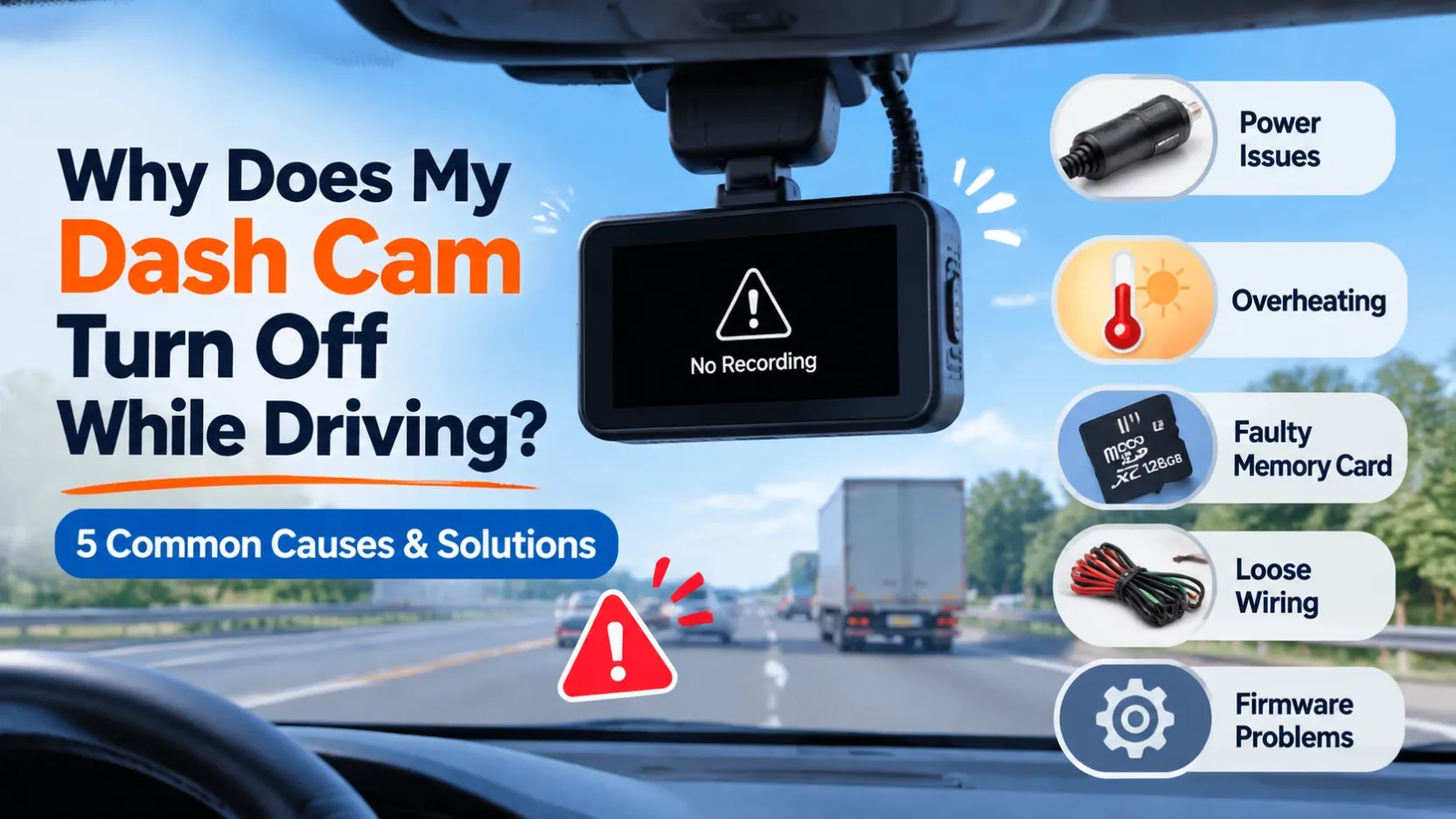
Why Does My Dash Cam Turn Off While Driving?
A dash cam is designed to record continuously while you drive. However, some drivers experience an annoying problem: their dash cam suddenly turns off during a journey, even when the vehicle is still running.
This issue can result in missing video footage and unreliable recording. But why does it happen, and how can you fix it? Here are five common reasons why a dash cam may turn off while driving.
1. Unstable Power Supply
An unstable power supply is one of the most common causes of unexpected dash cam shutdowns. Loose power cables, damaged connectors, faulty cigarette lighter adapters, or poor wiring connections can interrupt the power supply.
Solution: Check the power cable and connectors carefully. Make sure the power adapter is securely connected and that the vehicle provides a stable power source.
2. Overheating Issues
Dash cams are often installed behind the windshield, where they can be exposed to direct sunlight and high temperatures. Excessive heat may cause the device to shut down automatically to protect its internal components.
Solution: Avoid installing the camera where it receives prolonged direct sunlight. Choose a device with a suitable operating temperature range and reliable thermal protection.
3. Faulty or Incompatible Memory Cards
A damaged, low-quality, or incompatible microSD card can cause recording errors, system freezing, or unexpected restarts. Continuous video recording also places considerable demands on memory cards.
Solution: Use a high-quality, compatible high-endurance microSD card. Check the card regularly and format it according to the manufacturer's recommendations.
4. Loose or Incorrect Wiring
Incorrect installation or loose wiring can cause intermittent power interruptions. This is particularly common in hardwired dash cams connected to the vehicle's ACC and battery power lines.
Solution: Inspect the wiring connections and ensure that the positive and negative terminals are correctly connected. Professional installation is recommended for hardwired systems.
5. Firmware or Hardware Problems
Outdated firmware, software bugs, or damaged internal components may also cause a dash cam to restart or shut down unexpectedly.
Solution: Check whether a firmware update is available from the manufacturer. If the problem continues after checking the power supply, memory card, and wiring, contact technical support for further diagnosis.
How to Prevent Dash Cam Shutdown Problems
To ensure reliable recording, choose a dash cam with stable power management, effective thermal protection, compatible storage, and reliable firmware.
For commercial fleets, these features are particularly important. A sudden shutdown could result in missing critical footage needed for accident investigations and fleet management.
Conclusion
A dash cam that turns off while driving may be caused by unstable power, overheating, memory card problems, incorrect wiring, or firmware issues. Identifying the root cause is essential for restoring reliable recording.
Oranic provides reliable consumer and fleet dash cam solutions with advanced recording technology, 4G connectivity, and professional technical support to help drivers and fleet operators stay protected on the road.