Oct 23, 2026FAQs
Why Is My Dash Cam Video Blurry? 7 Common Causes and How to Fix Them
If you are wondering, “Why is my dash cam video blurry?”, several factors could be affecting your recording quality.
Why Is My Dash Cam Video Blurry? 7 Common Causes and How to Fix Them
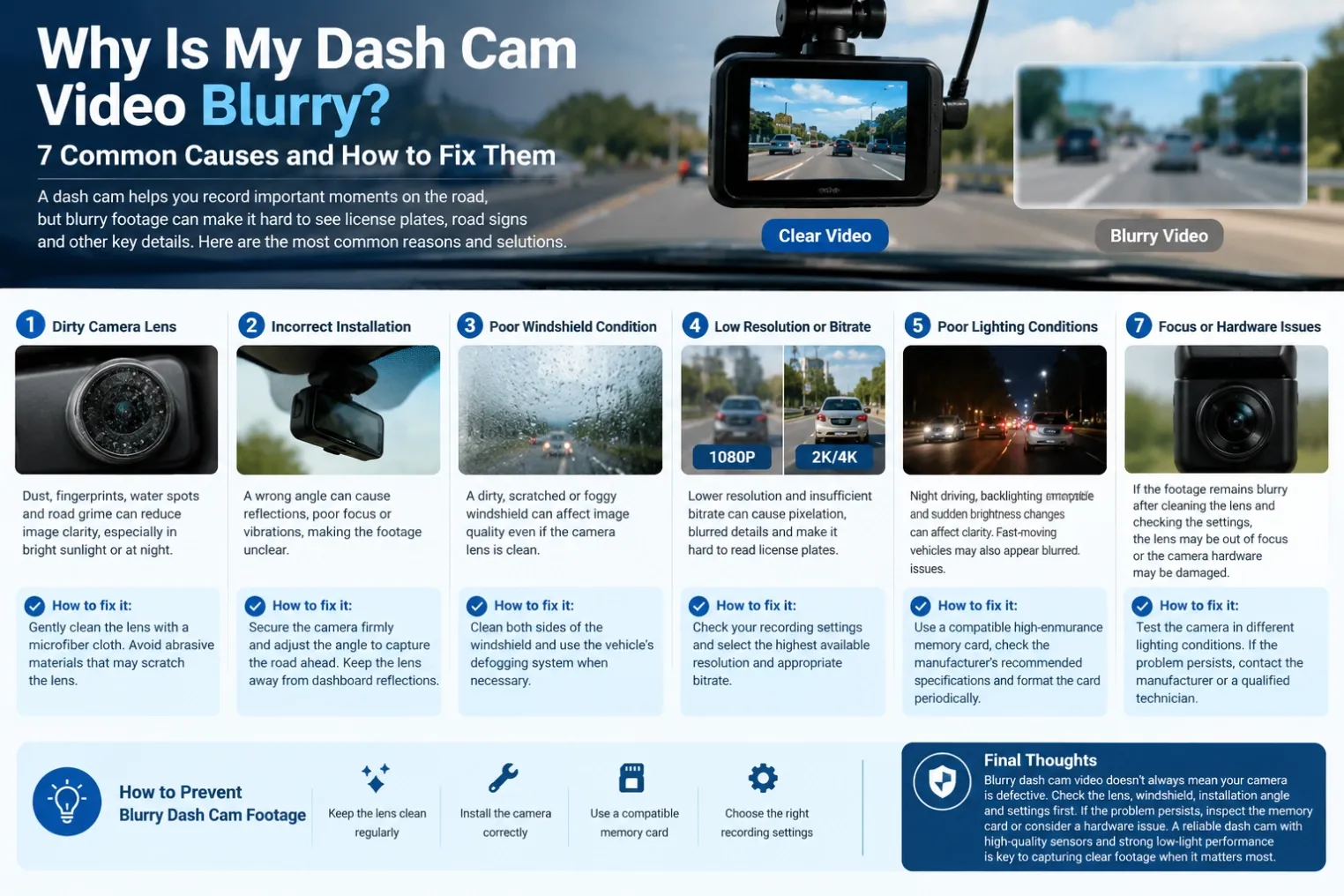
A dash cam is essential for recording road incidents, protecting drivers, and improving vehicle safety. However, blurry footage can make license plates, road signs, and important details difficult to identify. If you are wondering, “Why is my dash cam video blurry?”, several factors could be affecting your recording quality.
1. A Dirty Camera Lens
Dust, fingerprints, water spots, and road grime can easily accumulate on your dash cam lens. Even a thin layer of dirt can reduce image clarity, especially when driving toward bright sunlight or headlights at night.
How to fix it: Gently clean the lens with a microfiber cloth. Avoid abrasive materials that may scratch the lens surface.
2. Incorrect Camera Installation
A dash cam installed at the wrong angle may capture reflections from the windshield or focus on an unsuitable area. Poor mounting can also cause vibrations that make footage appear unclear.
How to fix it: Secure the camera firmly and adjust its angle to capture the road ahead. Keep the lens away from excessive dashboard reflections.
3. Poor Windshield Condition
A dirty, scratched, or foggy windshield can affect image quality even when the camera lens is clean. Condensation and oily residue may become particularly noticeable at night.
How to fix it: Clean both sides of the windshield and use the vehicle's defogging system when necessary.
4. Low Video Resolution or Bitrate
Not all dash cams provide the same recording quality. Lower resolution and insufficient video bitrate can cause pixelation, blurred details, and difficulty reading license plates.
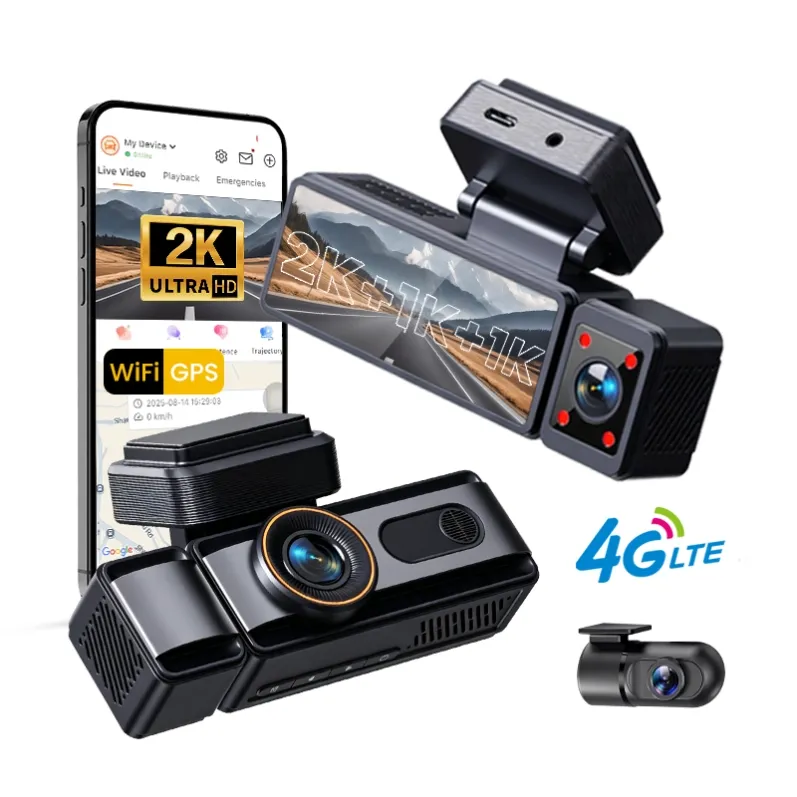
How to fix it: Check your recording settings and select the highest available resolution and appropriate bitrate. A high-quality 2K or 4K dash cam can capture more detail than a basic 1080P model, although results also depend on the sensor and lens.
5. Poor Lighting Conditions
Nighttime driving, strong backlighting, and sudden changes in brightness can affect image clarity. Fast-moving vehicles may also appear blurred when exposure settings are unsuitable.
How to fix it: Choose a dash cam with a quality image sensor, effective HDR or WDR technology, and good low-light performance.
6. Memory Card Problems
A slow, damaged, or incompatible memory card may cause recording interruptions, corrupted files, or playback issues that resemble poor video quality.
How to fix it: Use a compatible high-endurance memory card, check the manufacturer's recommended specifications, and format the card periodically according to the device instructions.
7. Focus or Hardware Issues
If the footage remains blurry after cleaning the lens and checking the settings, the lens may be out of focus or the camera hardware may be damaged.
How to fix it: Test the camera in different lighting conditions. If the problem persists, contact the manufacturer or a qualified technician.
How to Prevent Blurry Dash Cam Footage
Regular lens cleaning, correct installation, compatible memory cards, and suitable recording settings can help maintain clear footage. For commercial fleets, investing in reliable dash cams with high-quality sensors and stable recording performance can support safer driving and more effective incident investigation.
Final Thoughts
Blurry dash cam video does not always mean your camera is defective. Start by checking the lens, windshield, installation angle, and recording settings. If these steps do not solve the problem, inspect the memory card and consider a hardware issue. Choosing a reliable dash cam with suitable resolution and strong low-light performance is key to capturing clearer footage when it matters most.