FAQs
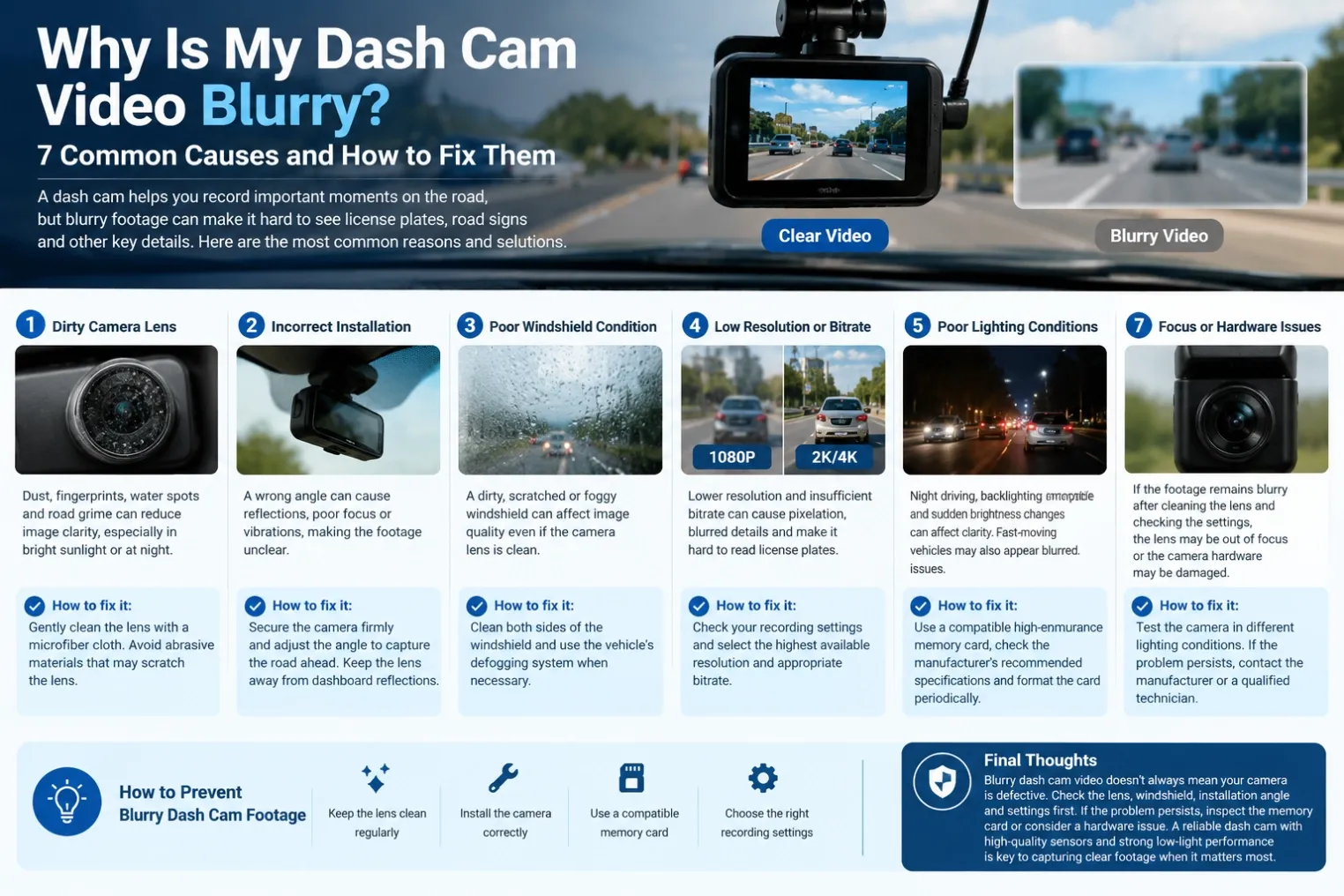
Why Is My Dash Cam Video Blurry? 7 Common Causes and How to Fix Them
If you are wondering, “Why is my dash cam video blurry?”, several factors could be affecting your recording quality.
If you are wondering, “Why is my dash cam video blurry?”, several factors could be affecting your recording quality.
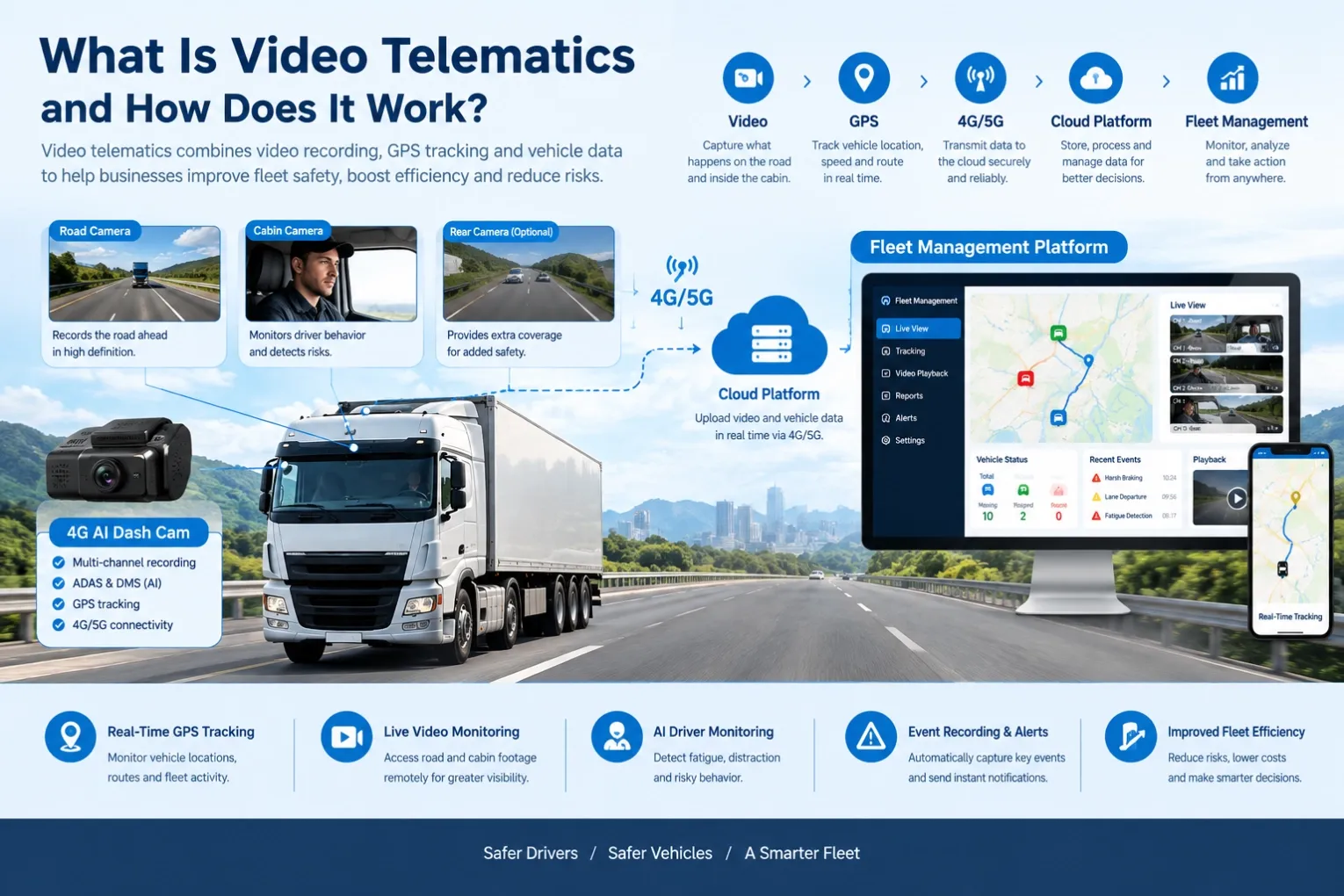
Video telematics is a technology that combines video recording, GPS tracking, vehicle data, and wireless connectivity to help businesses monitor vehicles and improve fleet safety.
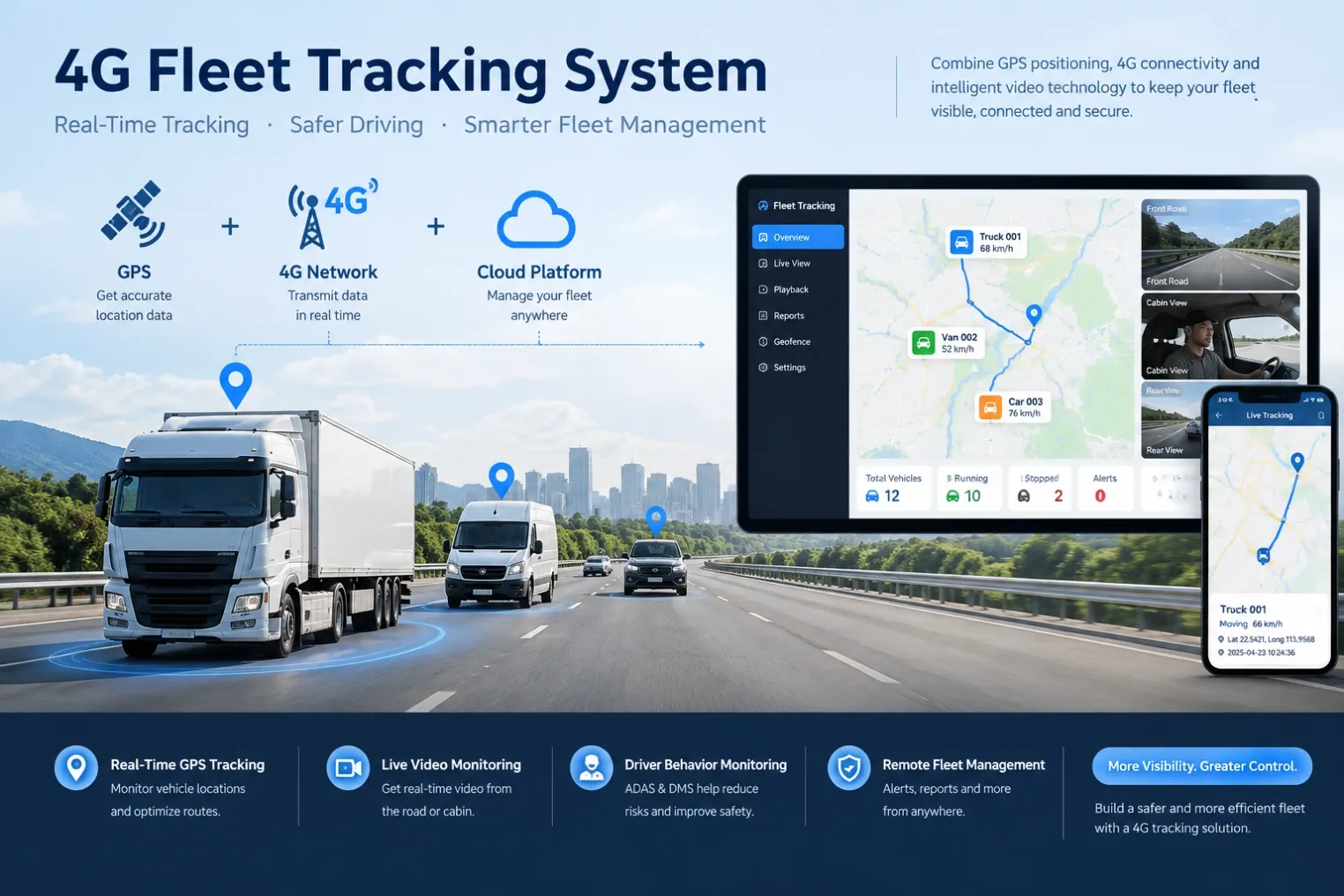
It is widely used by logistics companies, transportation providers, delivery services, and commercial fleets to improve efficiency and vehicle safety.
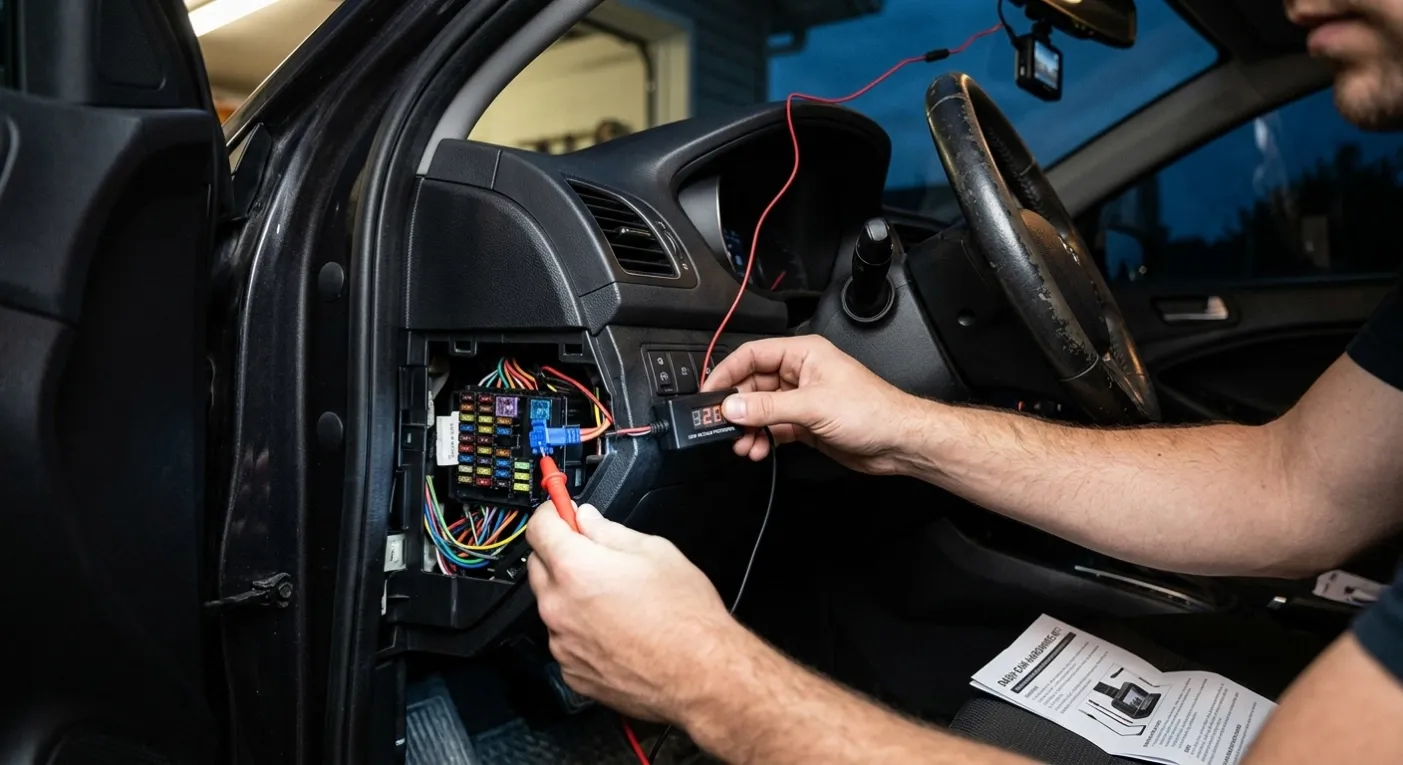
A dash cam is great for peace of mind, but it’s a total pain if it keeps killing your car battery.
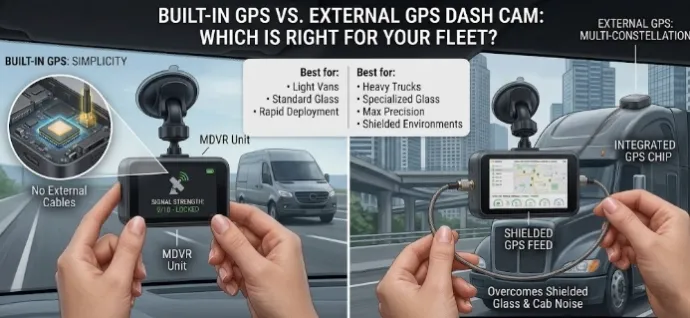
When selecting a fleet-grade telematics solution or commercial dash cam, GPS tracking is an essential feature for location logging, speed monitoring, and route playback.
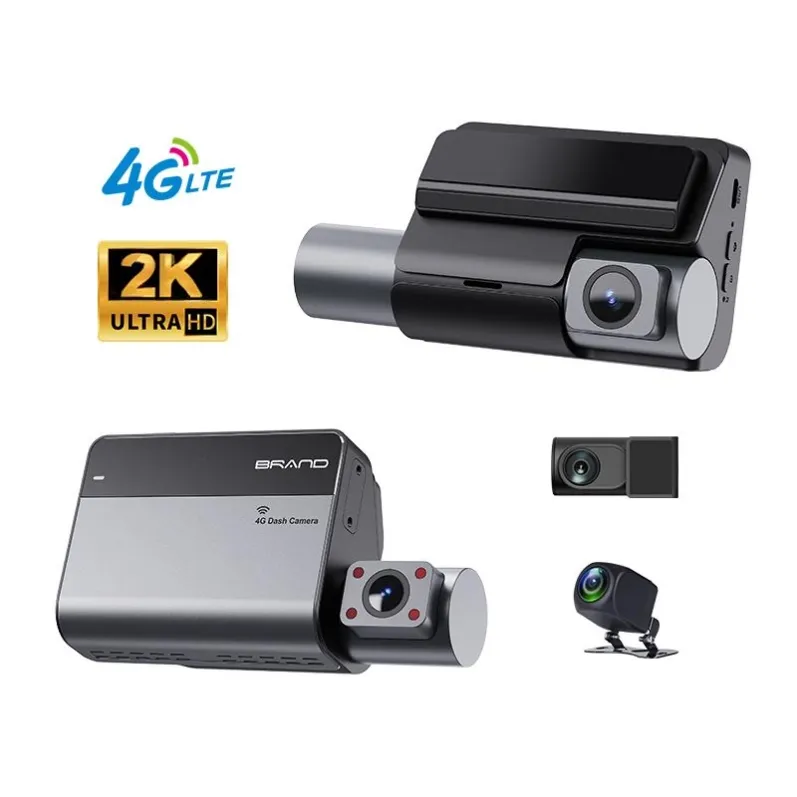
When choosing between a dash cam with a built-in screen and a screenless dash cam, the optimal choice depends on your installation environment, driver behavior goals, and management requirements.
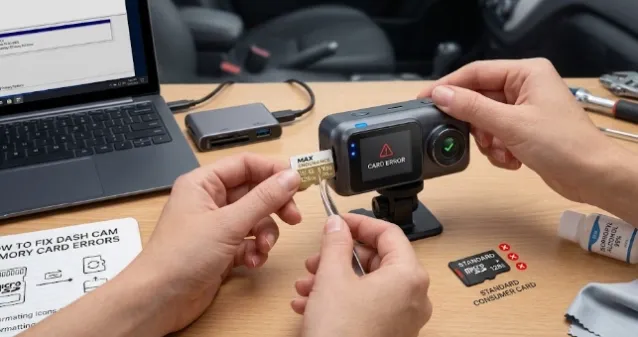
A dash cam memory card error can compromise vehicle security and result in critical footage loss during road incidents or traffic disputes.
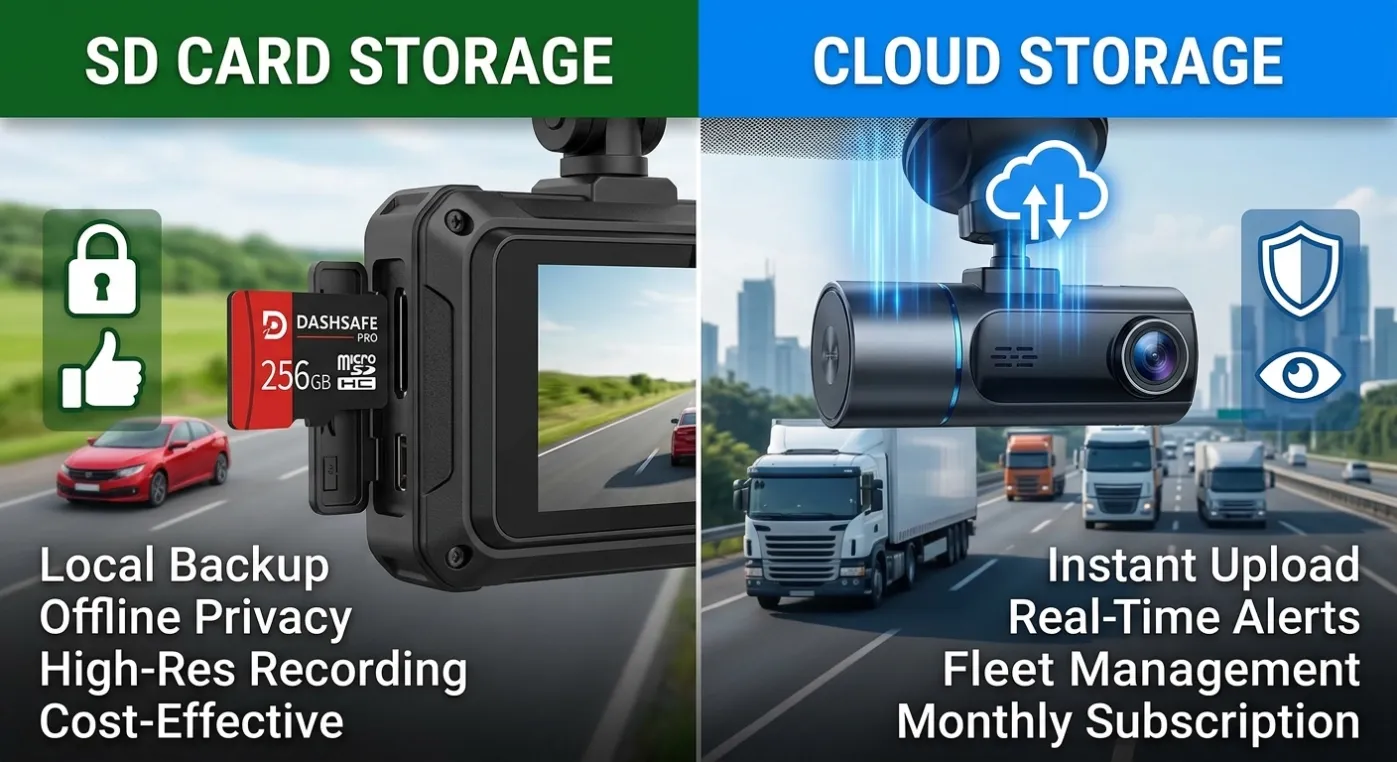
When choosing a dash cam—whether for daily personal driving or managing an entire enterprise fleet—the big question usually comes down to video storage: local SD card or cloud-based?

Repeated reboot loops usually trace back to power delivery, storage degradation, thermal throttling, or firmware corruption.

Selecting the right dash cam setup comes down to your primary risk exposure: are you protecting against front-end traffic incidents, rear-end collisions, or internal cabin liabilities?

Due to long hours, harsh road environments, and significant blind spots, heavy-duty trucks require commercial-grade durability, wider coverage, and real-time connectivity.
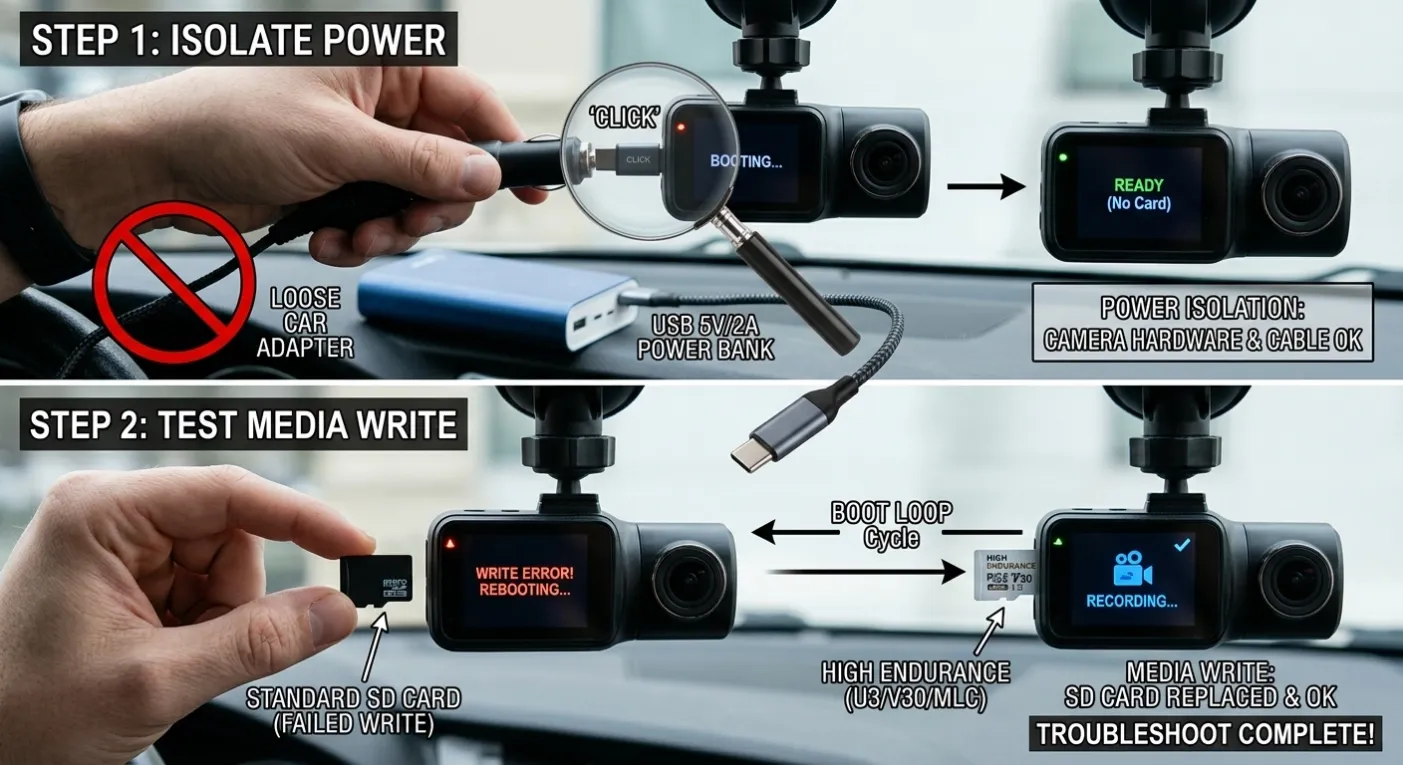
A dash cam in a constant restart loop usually points to power instability, media write failure, or thermal throttling. Follow this step-by-step diagnostic workflow to isolate the issue.
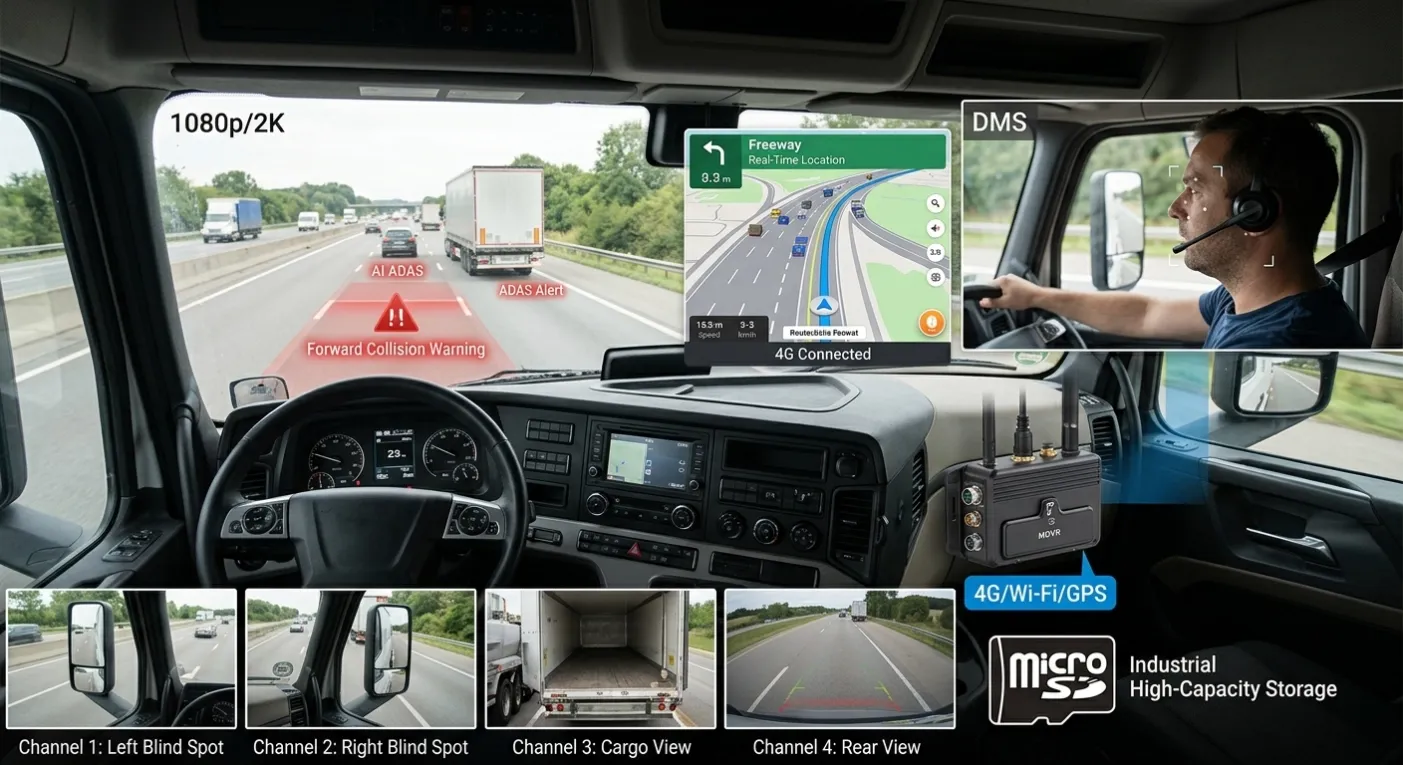
Choosing the right setup depends on whether you need simple incident recording or a full telematics-integrated fleet safety solution.
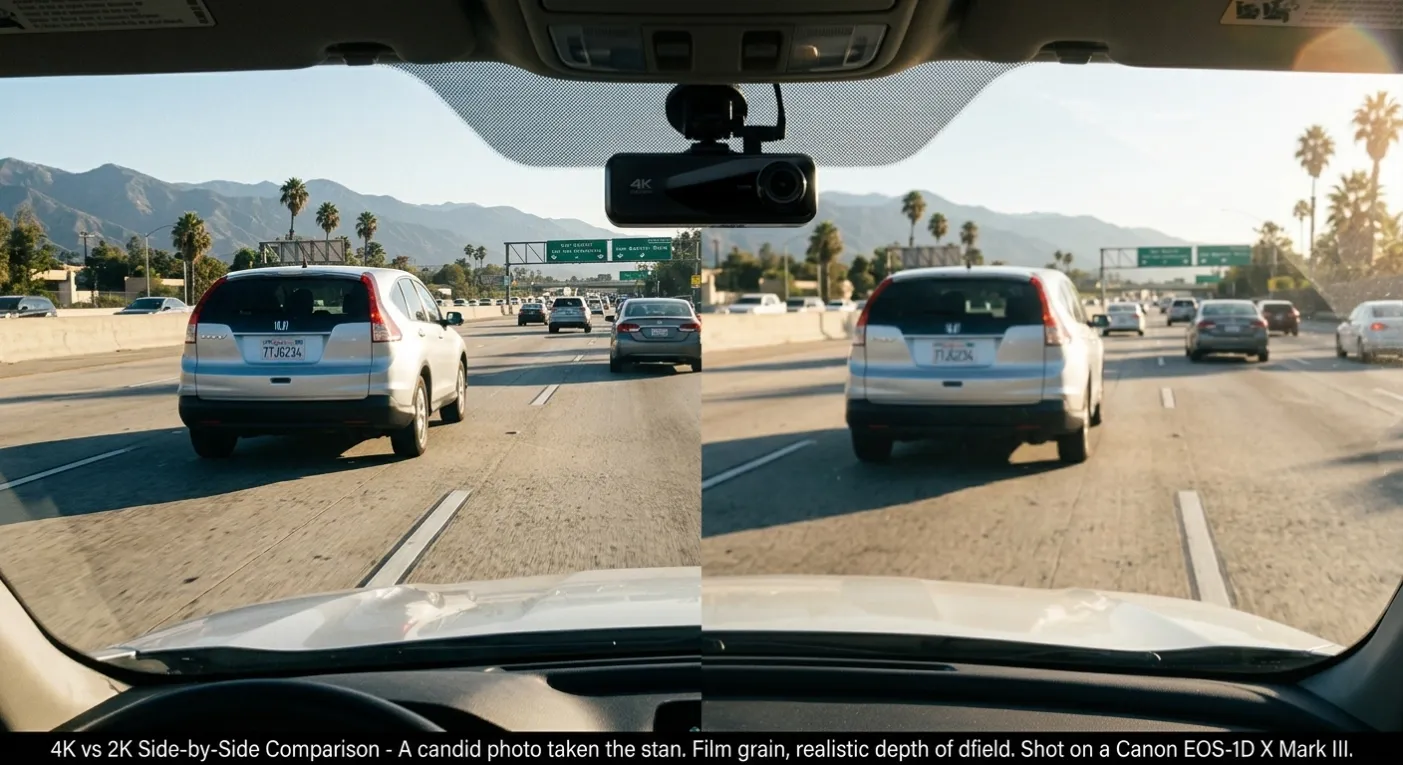
Resolution directly impacts how clearly your dash cam captures critical road details, but higher isn't always better for every user. Here is how 4K and 2K stack up in real-world driving scenarios.
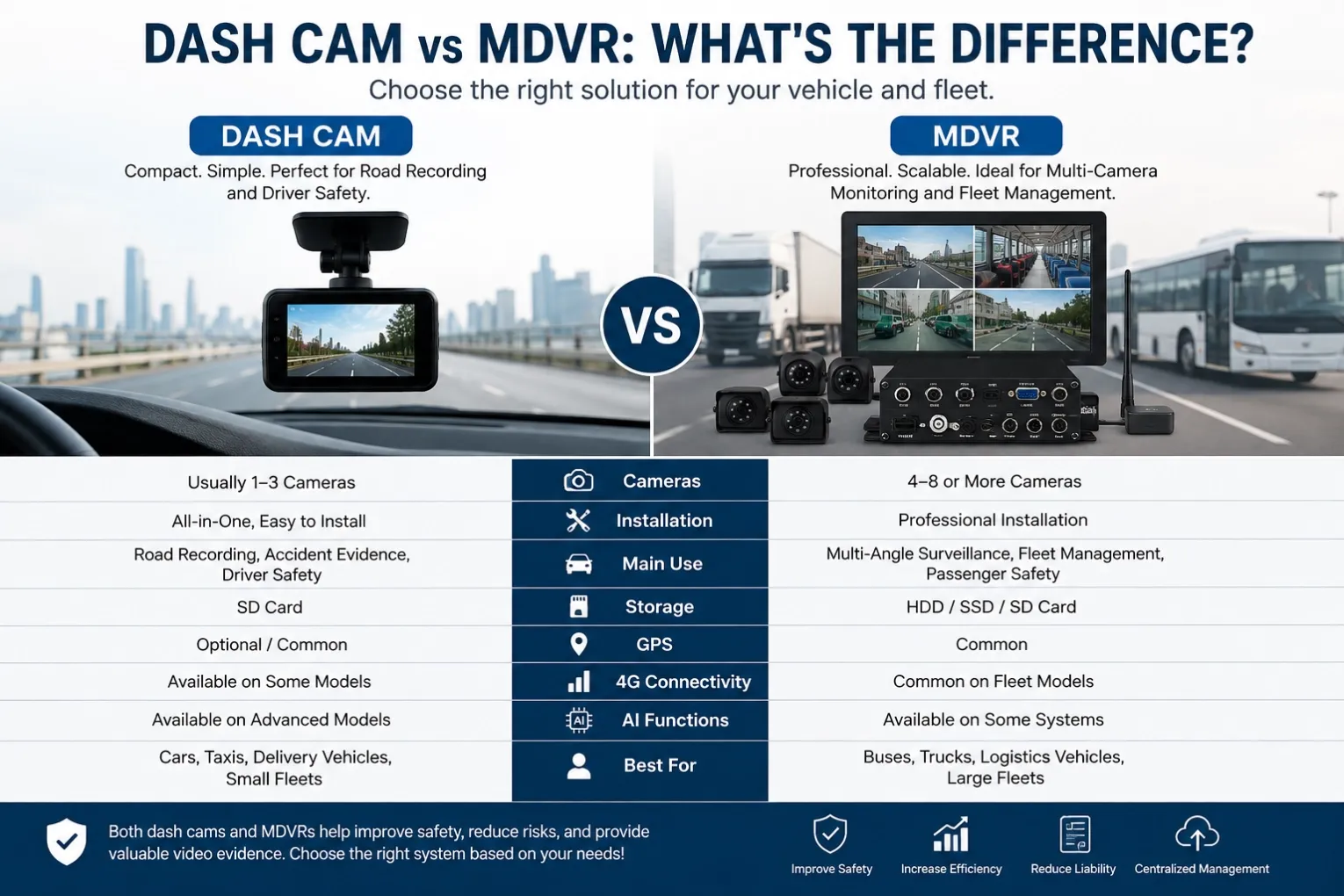
Although both can record video inside or around a vehicle, they are designed for different applications.
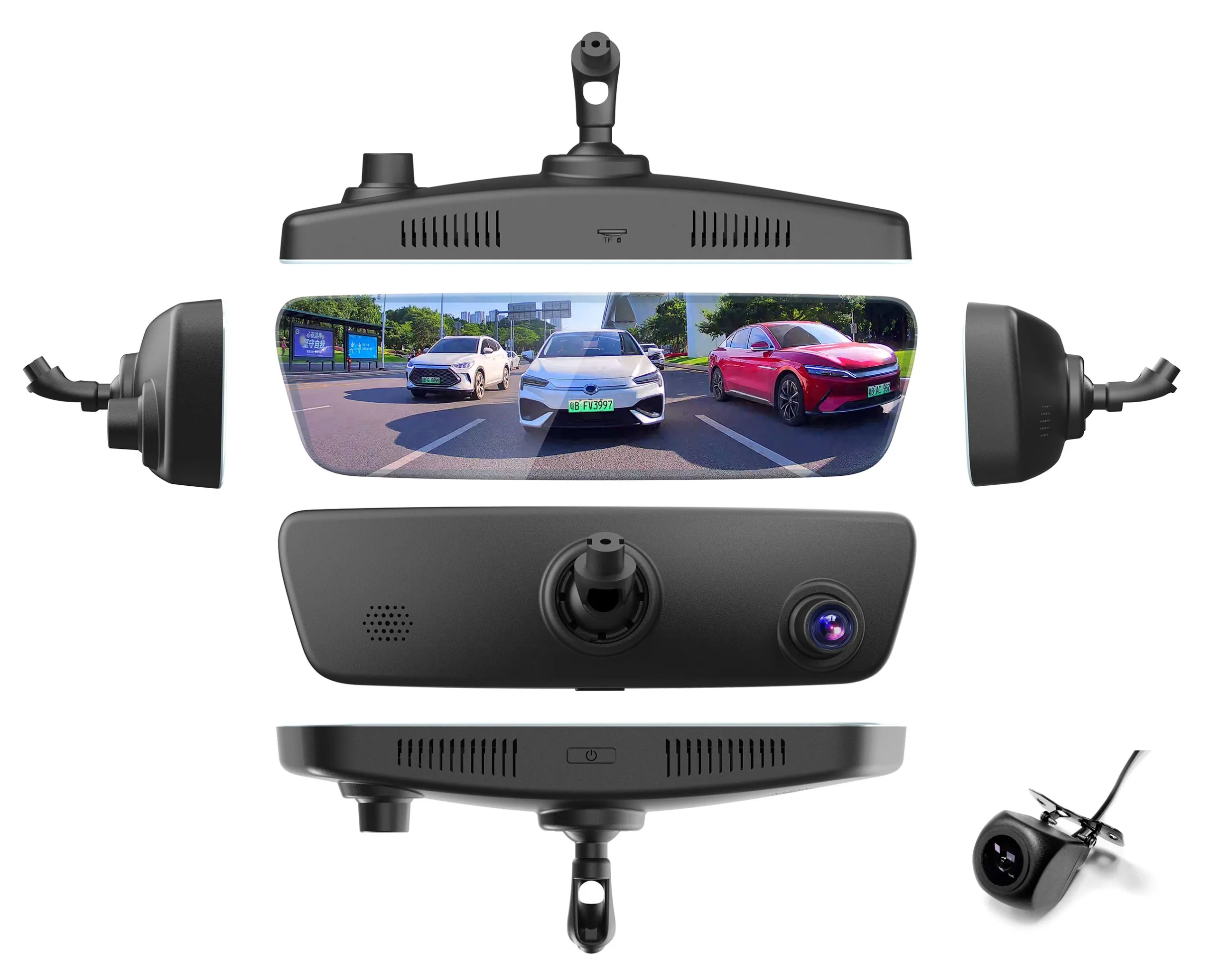
A frameless digital rearview mirror with a high-definition display and rear camera, providing a wider and clearer view of the road behind the vehicle. The frameless design gives the product a modern and premium appearance while improving visibility and driving safety.
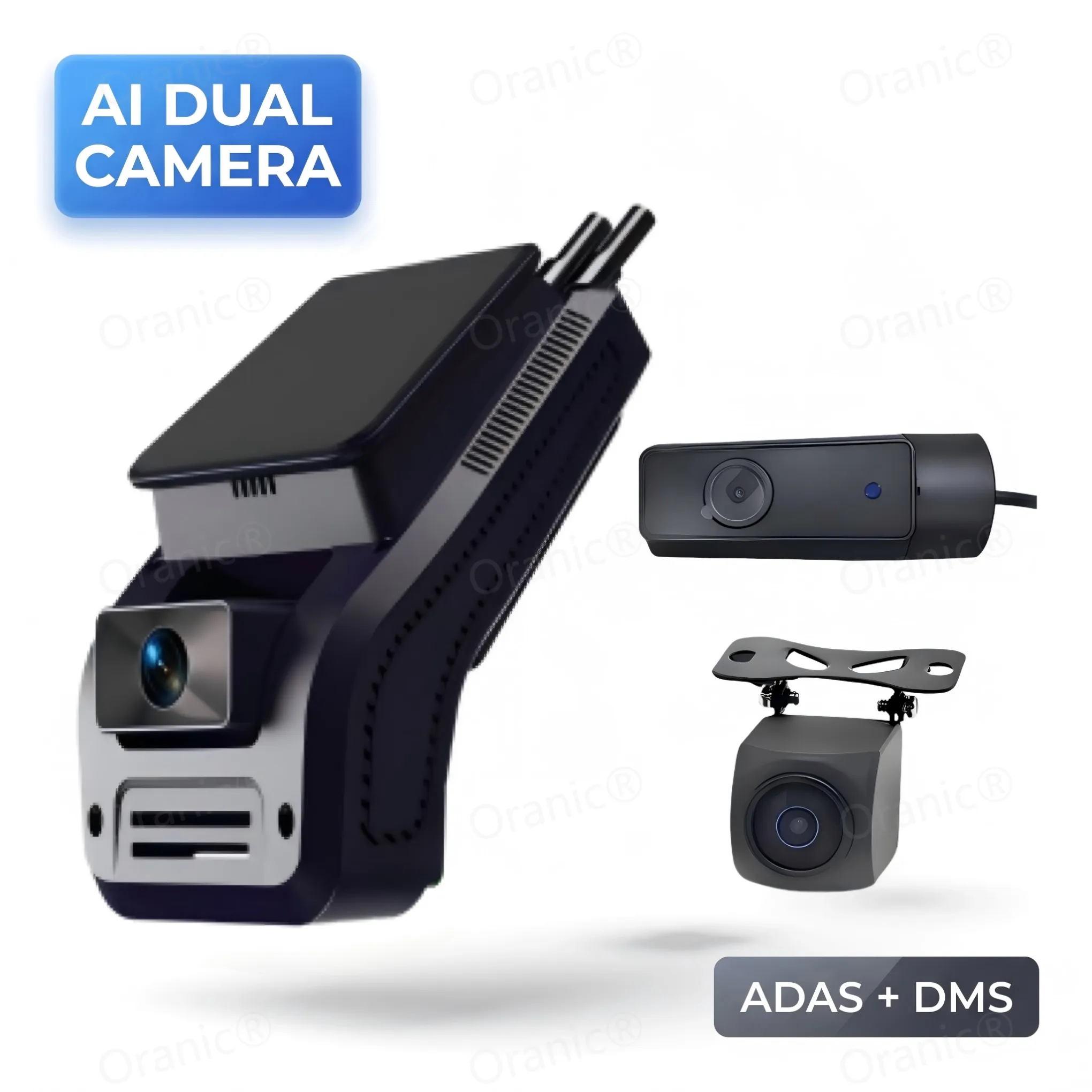
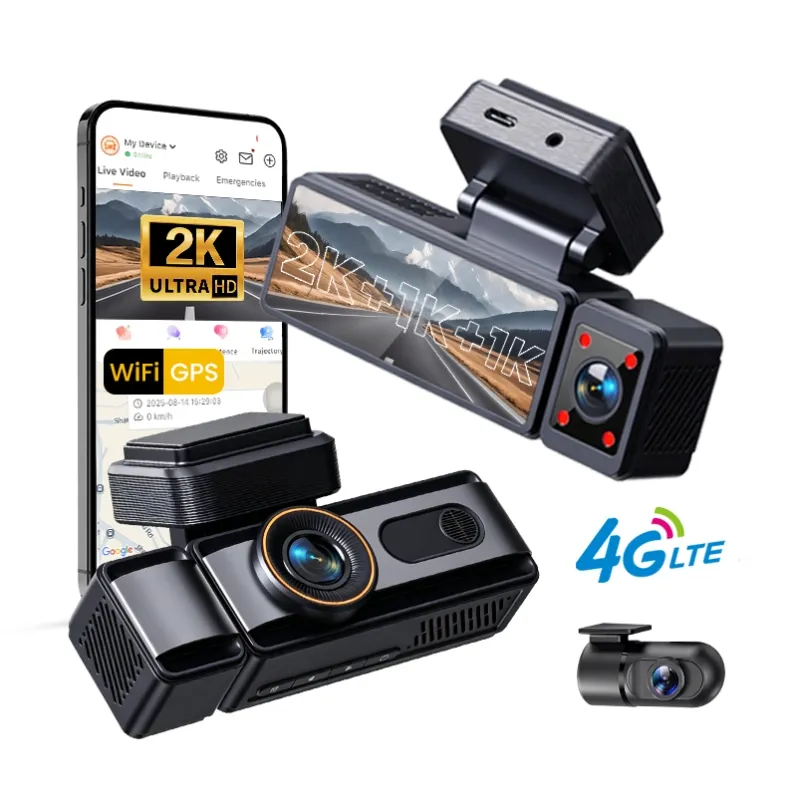
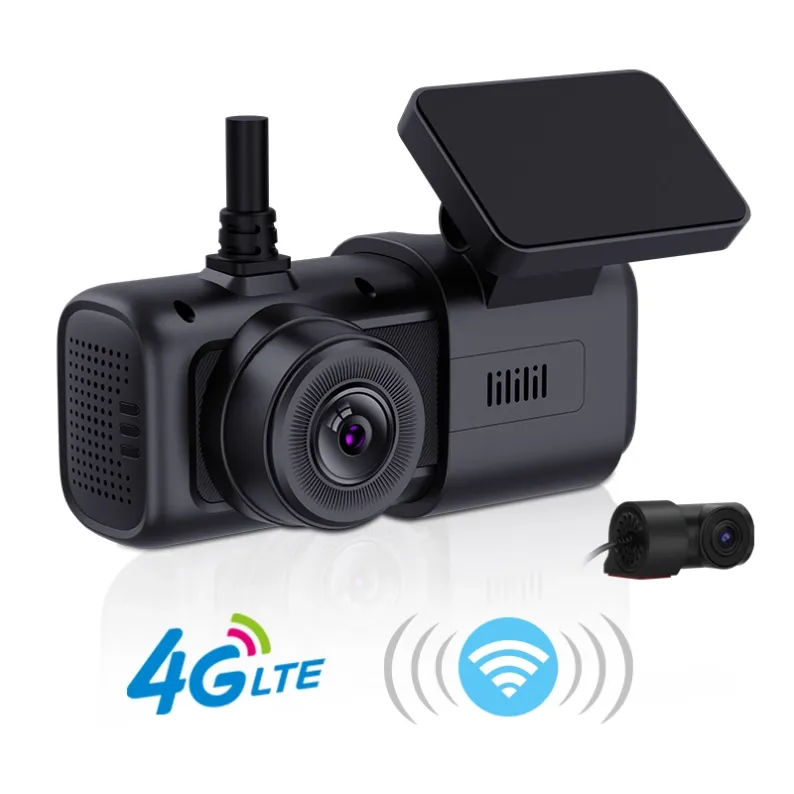
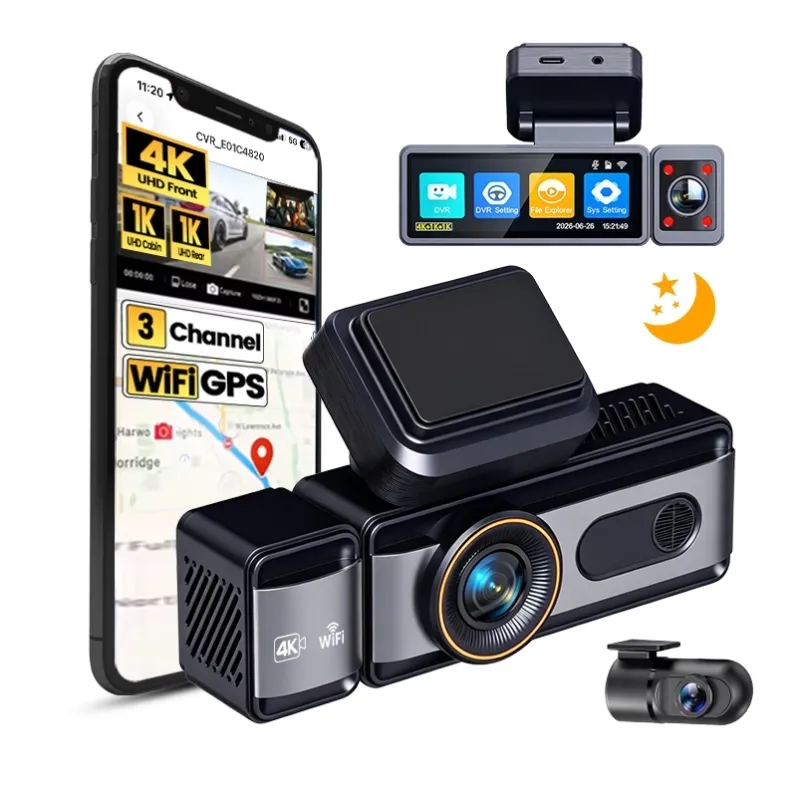
4G LTE 4 Channels Dash Cam Record ADAS DMS GPS CMSV6 Car DVR Smart Dashcam APP Remote Live
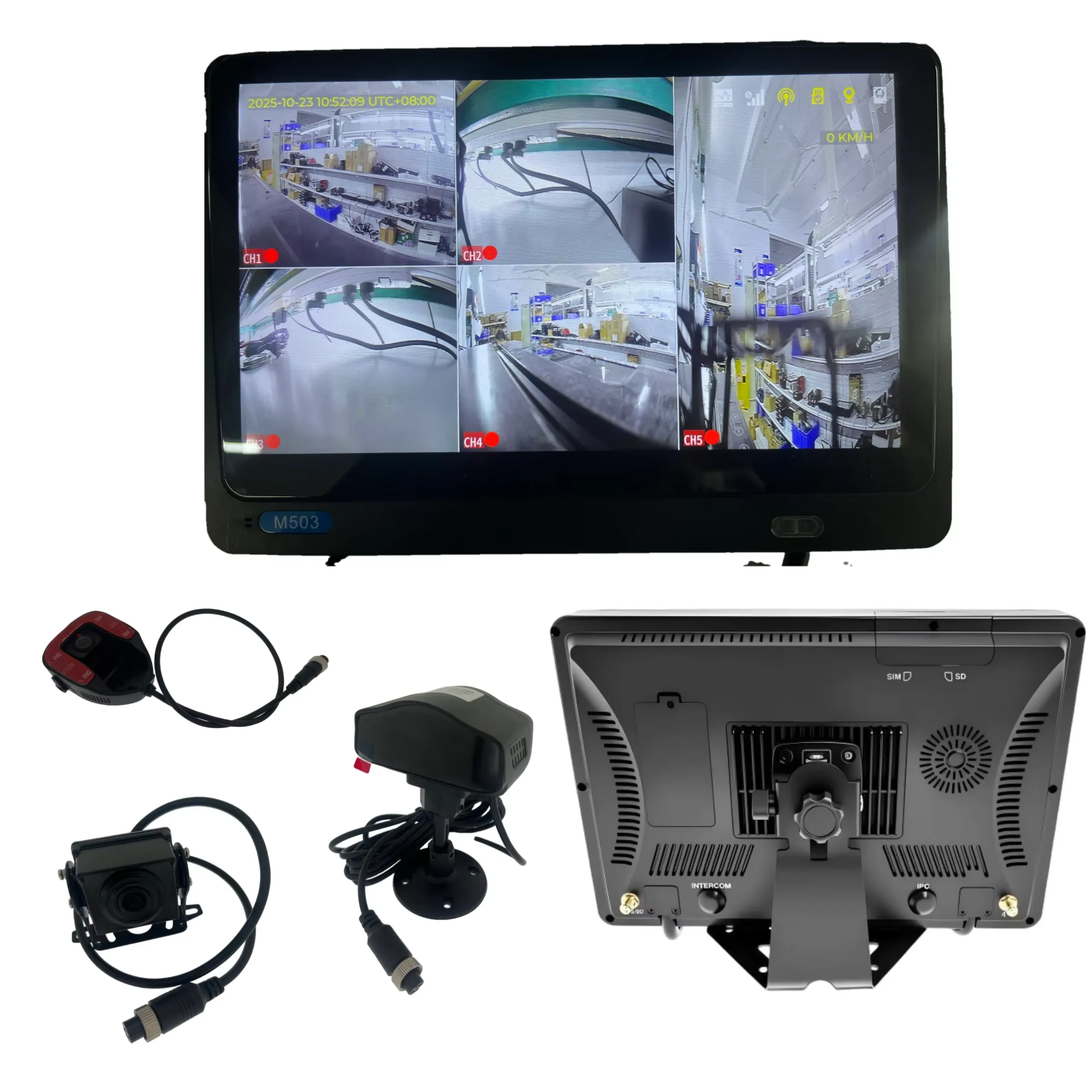
4G Wifi 1080p HD 10.1 inches Screen 5 in 1 Monitoring Vehicle Safe Dashcam with ADAS DMS BSD